
Apple’s iOS 26 brings with it a big Liquid Glass design change, and the Camera app has had a refresh to go with it. Some features have moved, including the humble flash.
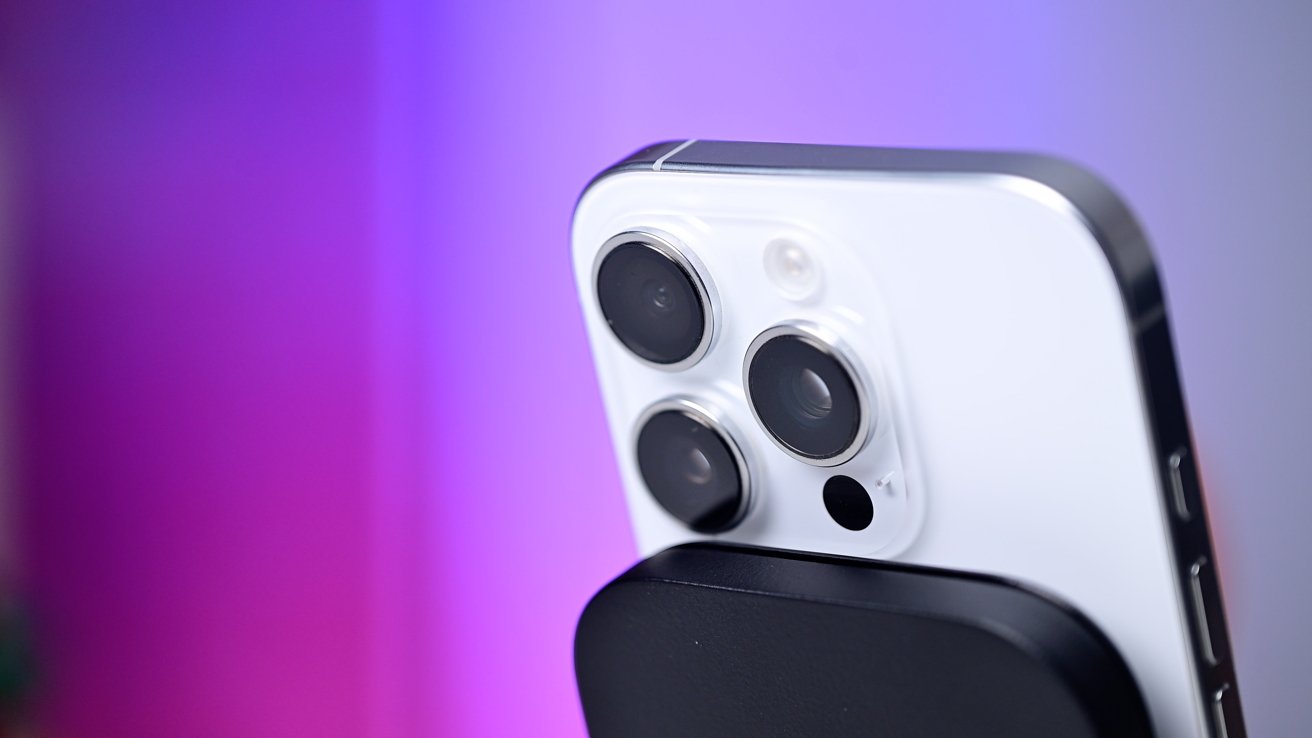
The iPhone has a powerful flash and iOS 26 has changed how you use it
The iPhone has a powerful flash and iOS 26 has changed how you use it
Whenever Apple releases a big new software update, it tends to change the way its most commonly used apps work.
For iOS 18 users, the flash is front and center in the Camera app. It can be found in the top-left of the screen, while a tap enables or disables it at will.