
If you’re a long-time iPad owner, you might wonder why you can’t swipe to access Quick Notes or take a screenshot on iPadOS 26. The good news is that you can, and we’ll show you how.
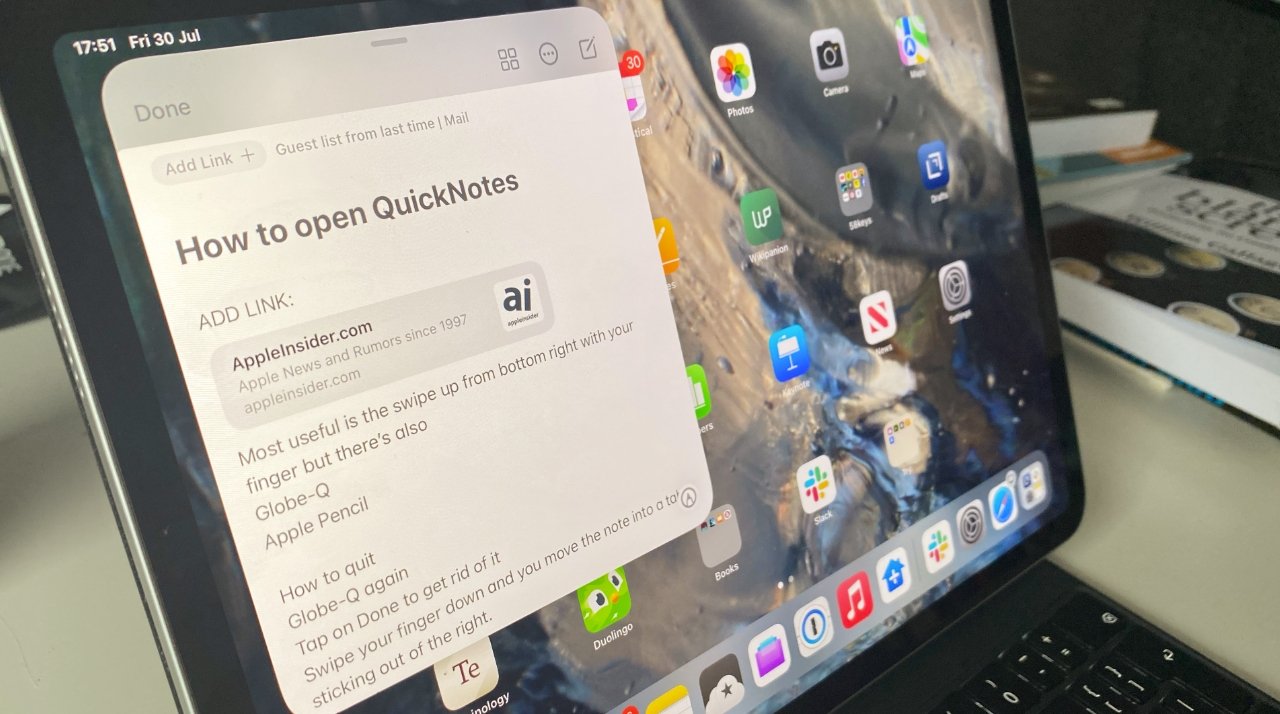
Quickly take notes by swiping on an iPad
Quickly take notes by swiping on an iPad
Swiping from the corner of your iPad to quickly take a note or a screenshot has been a feature for years. But with iPadOS 26, gaining a new multitasking system, Apple has repurposed the swipe, causing confusion among upgraders.
With iPadOS 26’s new windowed multitasking enabled, swiping from the corner of an iPad resizes the current app. But don’t worry, there are a couple of ways to get the old functionality back.