
In AppleInsider testing, Apple Creator Studio‘s Final Cut Pro for iPad is proving buggy, and if you use the default settings, your work can even be completely lost.
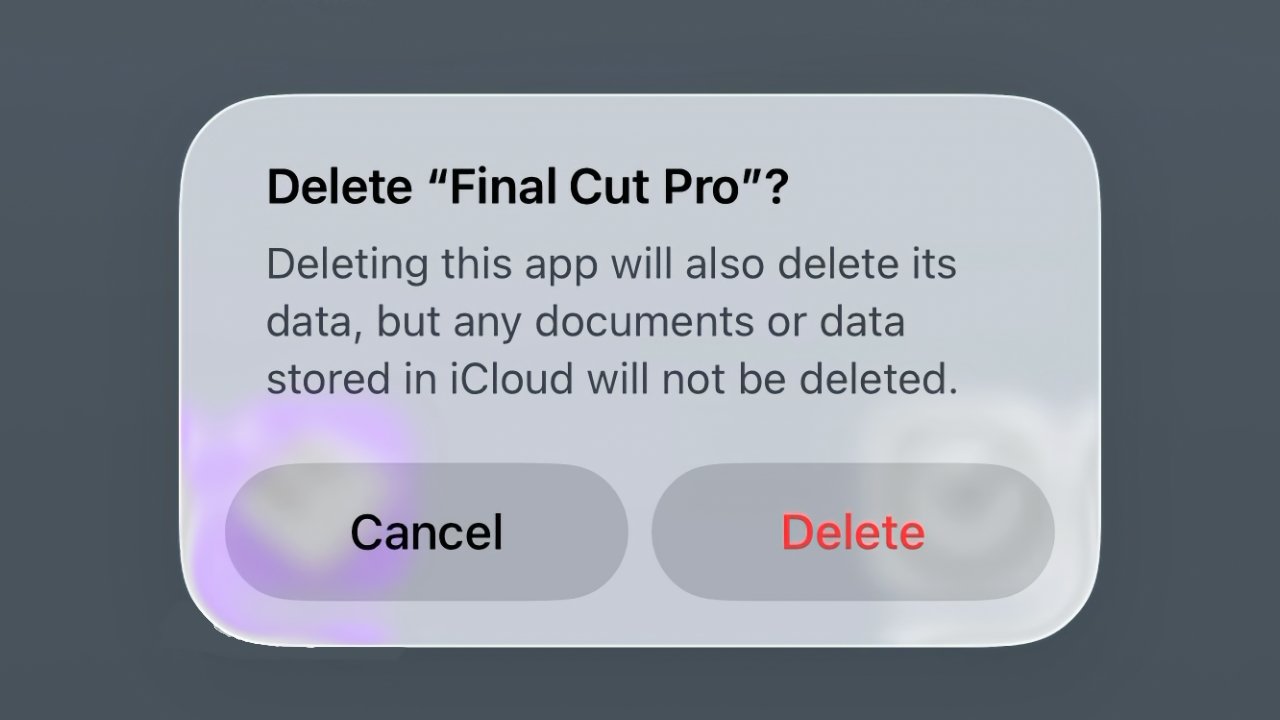
By default, video projects are stored within Final Cut Pro for iPad, which means deleting the app destroys them
By default, video projects are stored within Final Cut Pro for iPad, which means deleting the app destroys them
The problems we’ve seen specifically concern Final Cut Pro for the iPad as included in the new Apple Creator Studio bundle. But the workaround is also useful for the previous subscription version of Final Cut Pro for the iPad, and it could save you from other problems.
That’s because, by default, any video you edit in Final Cut Pro on the iPad is contained within the app’s own internal library. Then if you ever need to delete the app and reinstall it, that internal library is wiped and all of your work is lost.