
Apple power users on macOS Tahoe are deliberately undoing parts of Apple’s latest interface overhaul in order to remove the Liquid Glass design.
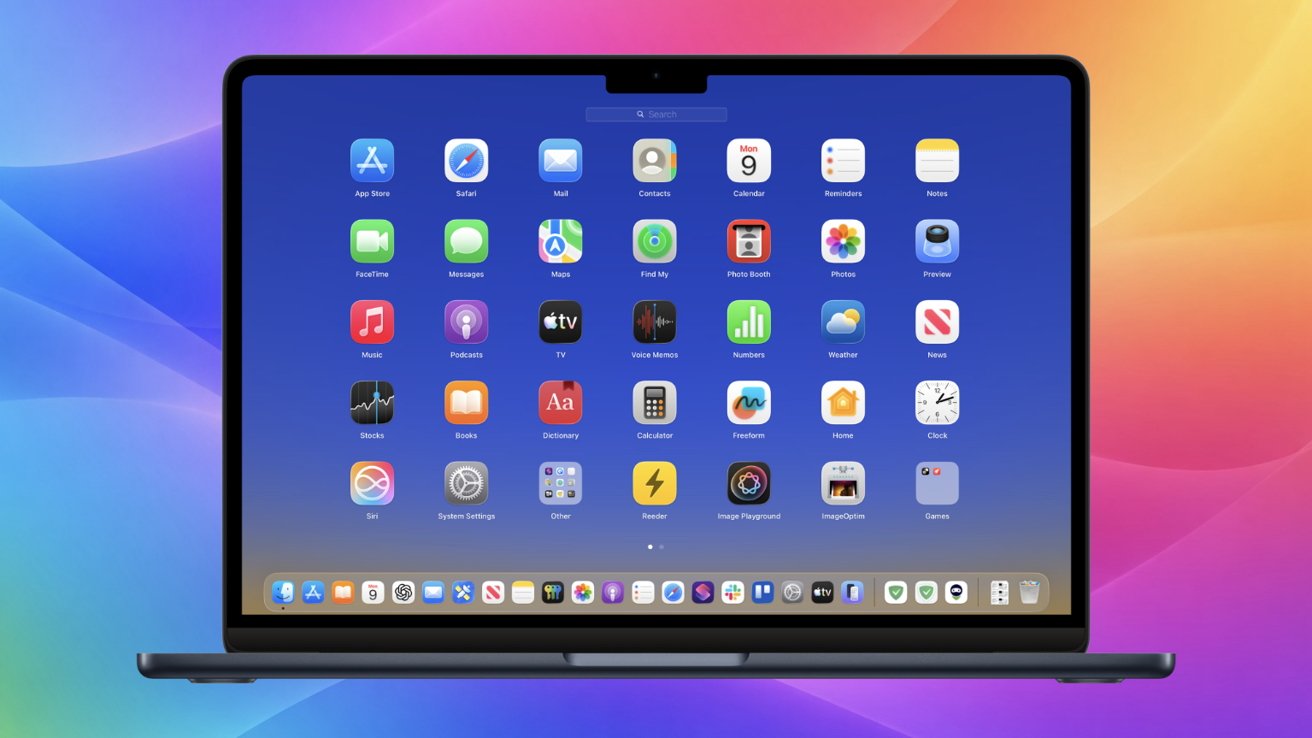
Bring back Launchpad to macOS Tahoe
Bring back Launchpad to macOS Tahoe
There’s an unofficial workaround that brings back the classic Launchpad app grid and reduces Liquid Glass’s heavy translucency. The tool allows users to enjoy macOS Tahoe’s performance and feature updates without fully embracing its new visual style.
Liquid Glass looks polished in screenshots and marketing videos, with layered blur and reflections giving a sense of depth and motion. In daily use, those effects can feel intrusive, particularly on large displays or detailed wallpapers.