
The MacBook Neo supports only one external display, and doesn’t have Thunderbolt, but you can still get more ports and more monitors from a dock. Here are some of our favorites.
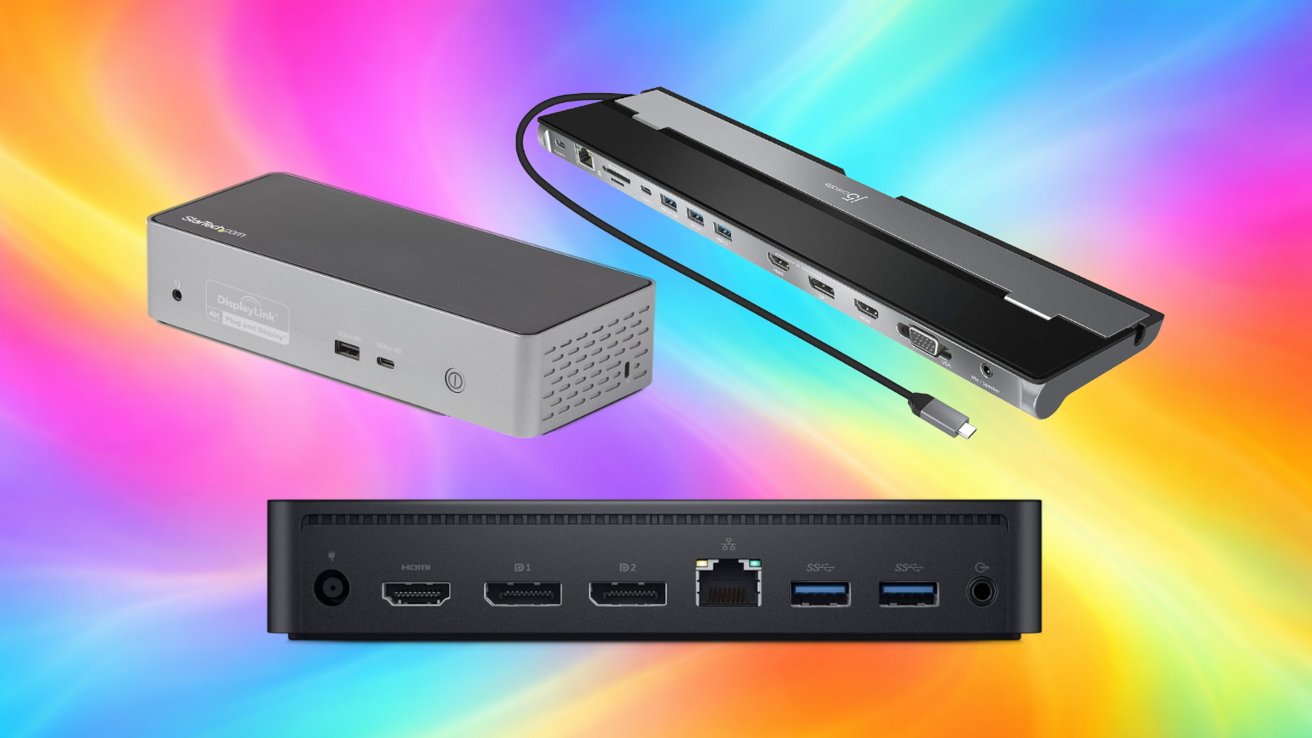
DisplayLink docks for MacBook Neo
DisplayLink docks for MacBook Neo
Users can add more displays using DisplayLink docks. These docks have a macOS driver that sends compressed video over USB-C instead of relying on the laptop’s native display pipeline.
Apple introduced MacBook Neo as its most affordable Mac laptop, powered by the A18 Pro chip and equipped with two USB-C ports. It supports one external display at up to 4K resolution at 60Hz alongside the built-in display.