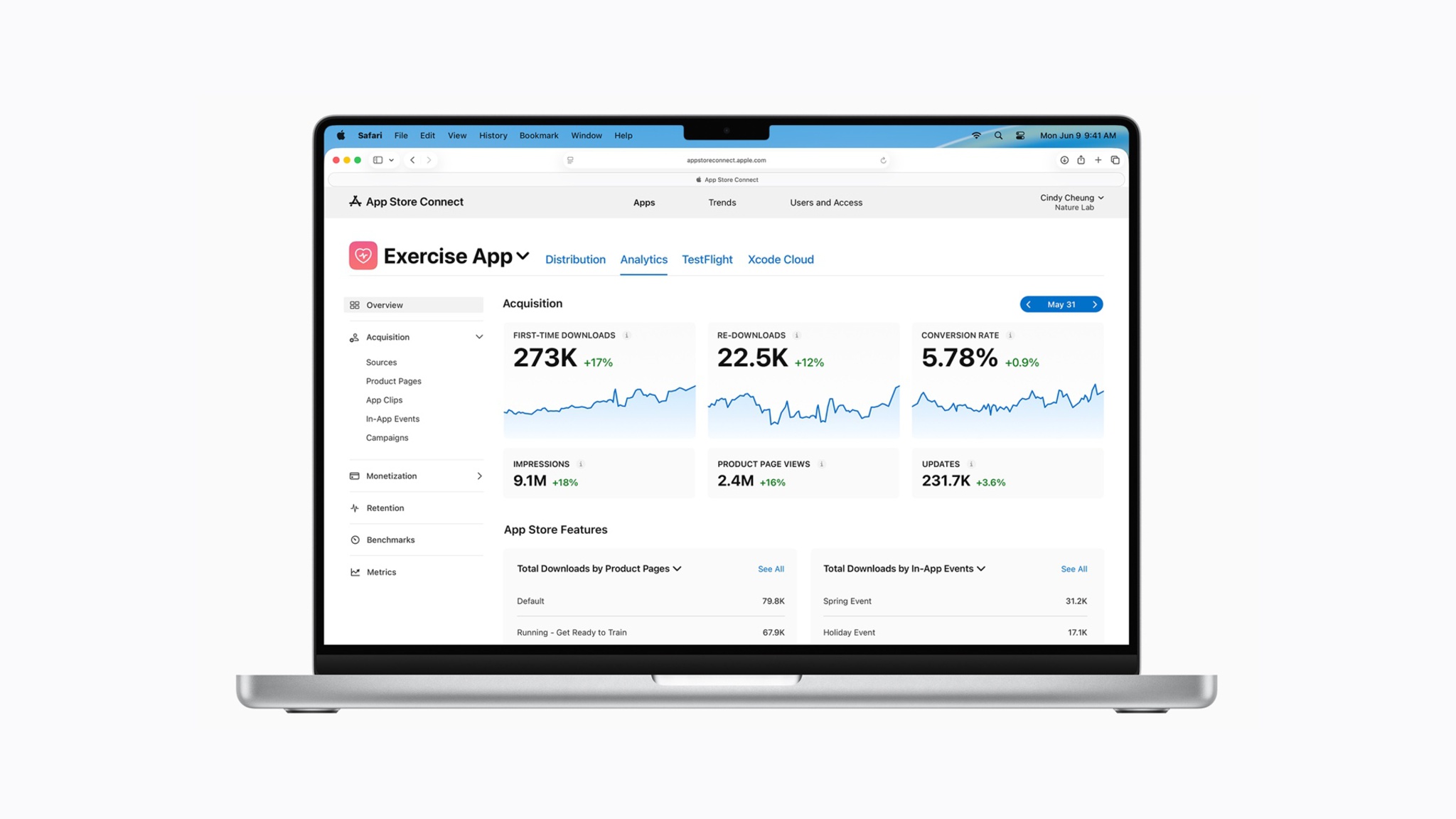
“Analytics in App Store Connect receives its biggest update since its launch,” said Apple, in a post on its developer news portal.
Apple says App Store Connect has a refreshed user experience that makes it easier to measure the performance of apps and games. There are more than 100 new metrics available, including new in-app purchase and subscription data.
Here is what is new, according to Apple:
• More than 100 new metrics. Now you can access monetization and subscription data in Analytics to better understand the performance of your In-App Purchases and offers.
• New cohort capabilities. Analyze user behavior based on common attributes — such as download date, download source, offer start date, and more — to measure how a particular group of users performs over time. For example, if you’ve expanded your app to a new region, you can monitor how long it takes users in that region to make a purchase compared to other more established regions. Cohort data is aggregated to ensure user privacy.
• New peer group benchmarks. Discover how you stack up to peers with two new monetization benchmarks: download-to-paid conversion and proceeds per download. Benchmarks incorporate differential privacy techniques to protect individual developer performance while also providing meaningful and actionable insights.
• Two new subscription reports. Export these via the Analytics Reports API to perform offline analysis and integrate Analytics into your own data systems.
• Additional filters. Apply up to seven filters to your selected metrics at once allowing you to drill down further and uncover additional insights.
• App Store Analytics Guide. This new guide in App Store Connect Help enables you to develop a data-driven strategy and understand App Store tools and features you can use to grow your business.
Apple has an App Store Connect app for the iPhone and iPad. App Store Connect is also available on the web at appstoreconnect.apple.com.
This article, “Apple Updates App Store Connect With More Than 100 New Metrics” first appeared on MacRumors.com
Discuss this article in our forums