
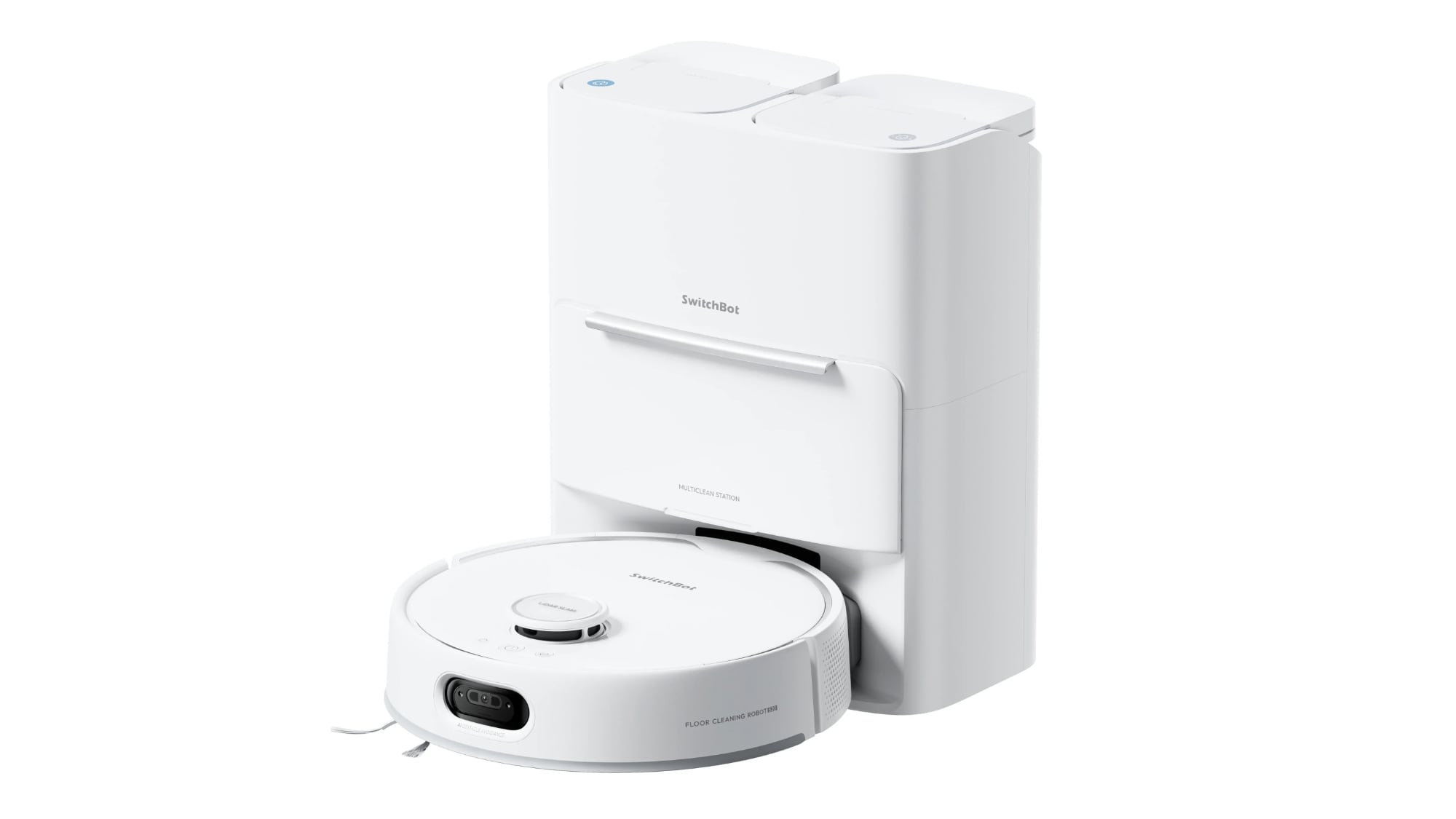
SwitchBot S20
The MSRP for the S20 is $799, but SwitchBot runs sales often that drop the price to under $500, so it’s competitive with some of the more affordable robot vacuums that don’t have Matter integration.
I’ve noticed some clear differences between the SwitchBot vacuums and higher-end vacuums I’ve tested, but the S20 has impressed me with its cleaning ability. It is a vacuum and a mop, so it can vacuum up crumbs and mop the floors at the same time.
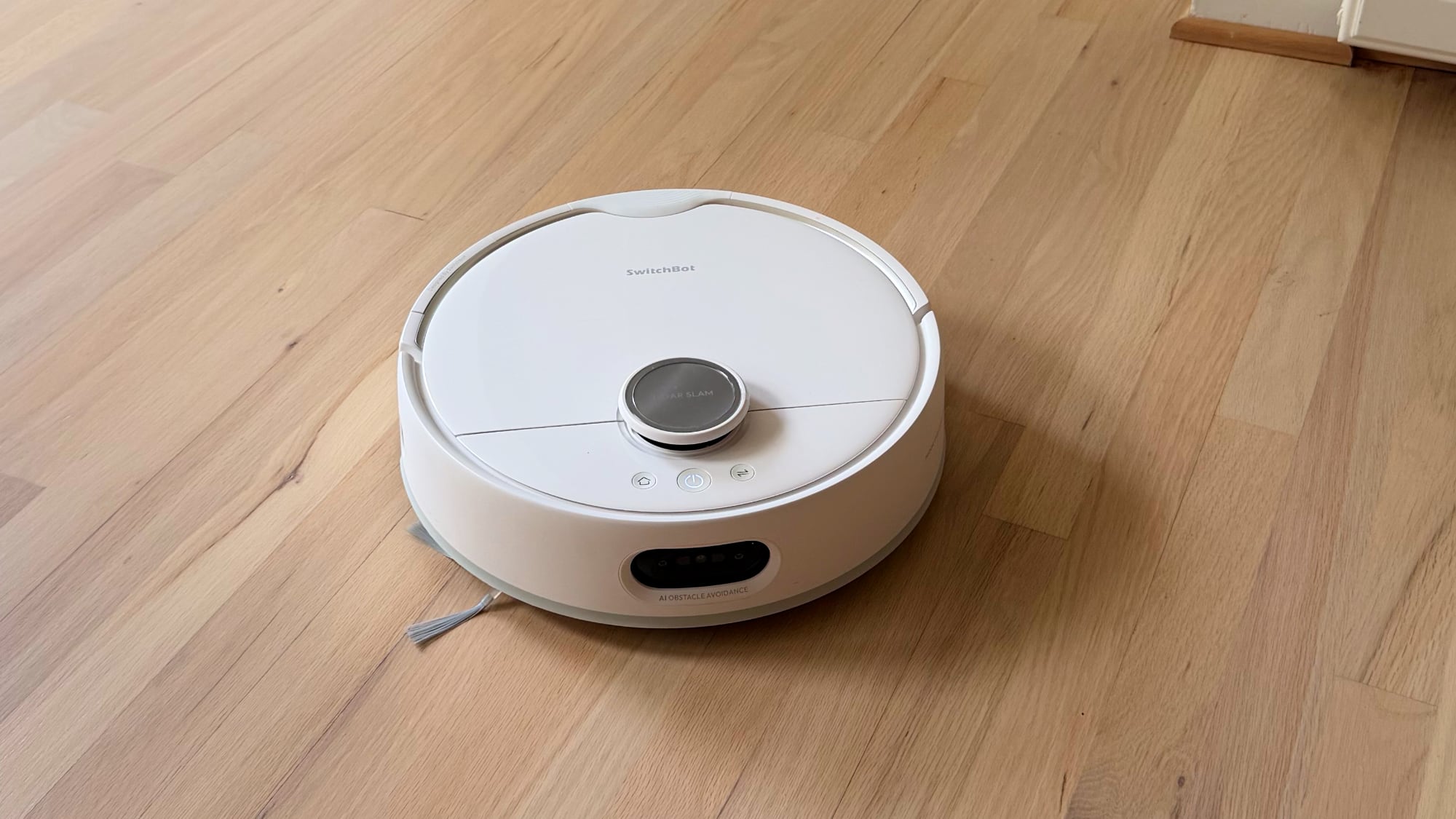
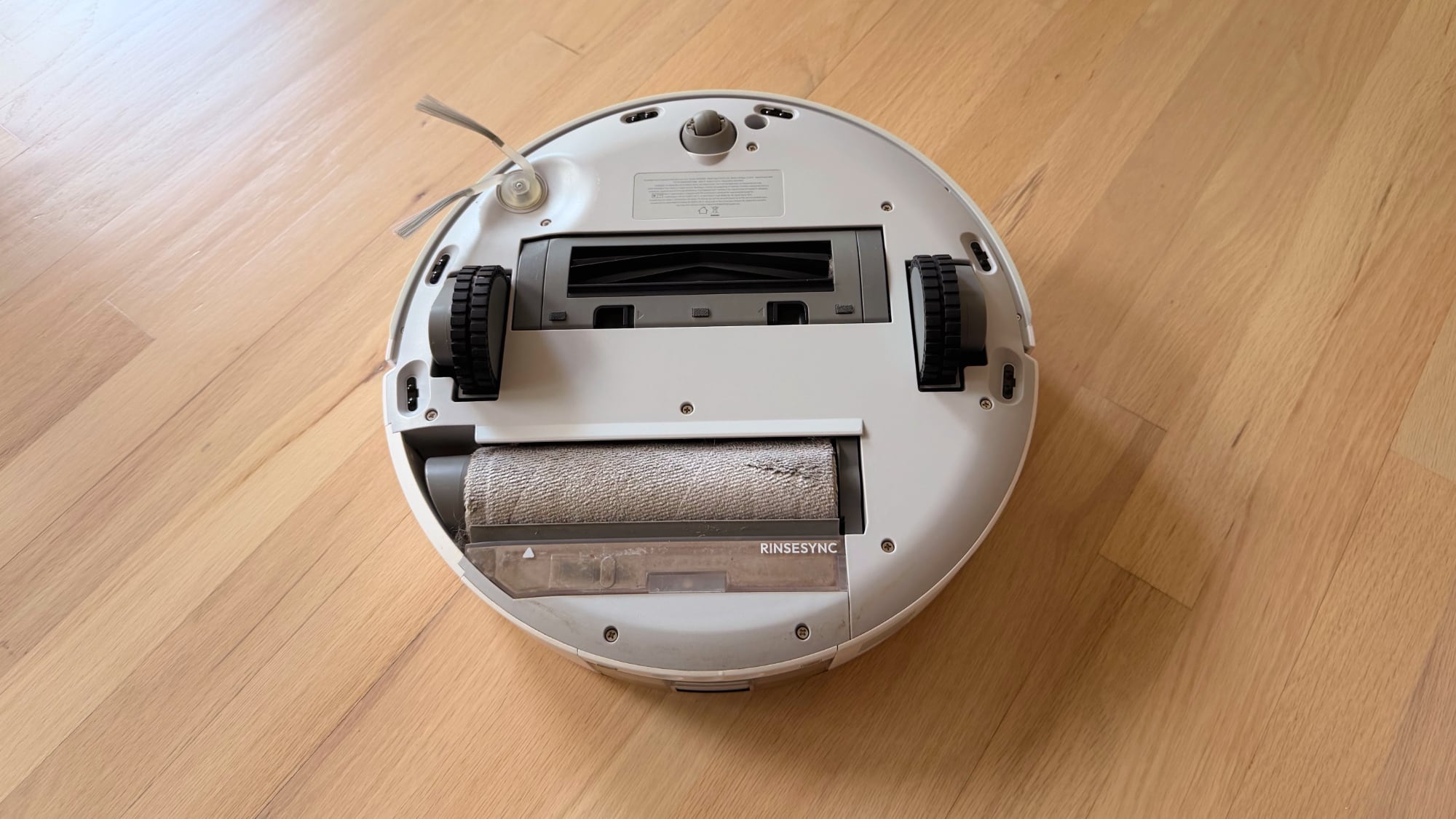
For vacuuming, it has a 10,000Pa suction, but I’ve never been able to tell a real difference in suction power between the vacuums I’ve tested. They’re all able to do a good job with dust, fur, dirt, and other debris on the floor. There is an anti-tangle system, and I’ve never seen the SwitchBot S20 have a problem with hair or fur, and there are rubber ridges on the vacuum brush that seem to help it pick up lightweight messes. A brush on the side sweeps along baseboards, and while I don’t think it’s as good at getting into small crevices as the Roborock vacuum I have, it does a passable job. You might have to do a perimeter sweep with a regular vacuum every once in a while.
The S20 has a roller mop, and that’s my favorite robot vacuum mopping design. A lot of companies use rotating mopping pads, but the roller gets washed continually as the robot cleans, so it’s not spreading a mess around. It also just feels more hygienic to me because it’s scrubbing grime off of the mop as it goes. No robot vacuum is able to get crusty, dried-on stains off in one pass, but the S20 did a good job on dried ketchup with two passes. Robot vacuums aren’t ideal for deep cleaning, but with multiple cleans per week or even every day, my floor is cleaner than when I do it manually.
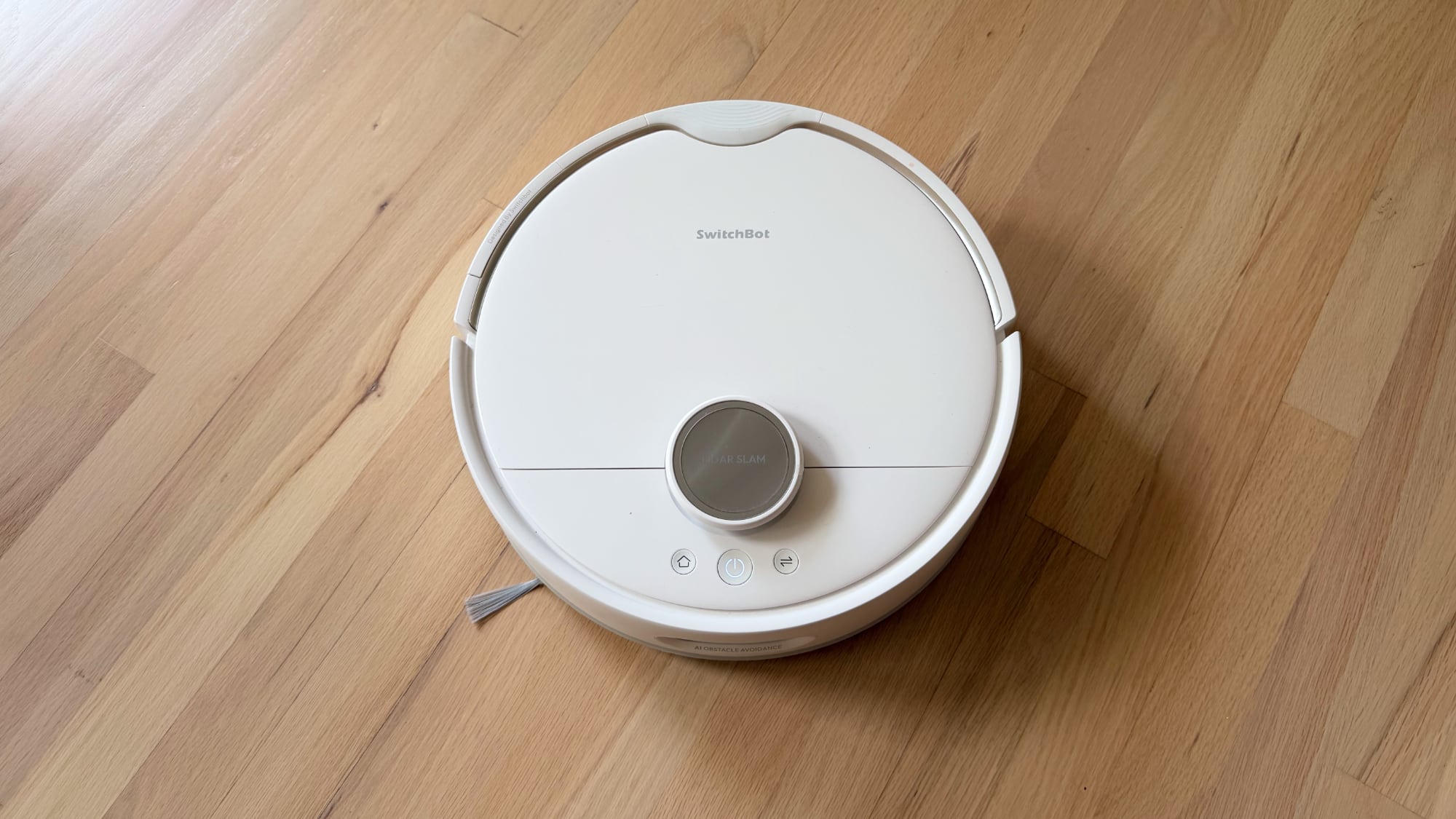
I have wood flooring and tile, but no carpet, so I can’t test carpet extensively. I have a few larger-sized rugs that it has done fine vacuuming, and it’s done no damage to my wood floors.
All robot vacuums have a base station, and the S20 is no exception. In fact, it has the option for a base station that hooks up to your plumbing so it can automatically empty waste water and refill with clean water. For a review, I didn’t want to hook it up to my house permanently so I opted for tanks that I refill and empty manually, but it’s nice to have the option. The SwitchBot S20 base station has a simple, unobtrusive design, and it’s not overly large.
There’s a 2.7L clean water tank and a 2.5L dirty water tank, which I have to refill/empty around once a week depending on how often the robot runs. The base station also has a spot for adding floor cleaner, and there are cleaners that are for robot vacuums. The tanks are easy to access, simple to open, and quick to refill or empty.
Dust and dirt are collected in a bag that needs to be replaced every three months, so that is an ongoing expense. You’ll also need to do some light cleaning and maintenance of the robot vacuum every so often because the mop and other components don’t last forever, but that usually only needs to be done once a year or so. The base station uses hot air (50°C) to dry the mop after cleaning, and that keeps it from growing mold or smelling mildewy.
Those are all the good things about the SwitchBot, and now I’ll go over the not-so-good and the bad. The base station has a thin plastic mat to protect the floor from the wheels, which SwitchBot wants you to attach to the floor with adhesive. I am not going to attach plastic to my floor, and I was disappointed there wasn’t a snap-in floor protector like most robot vacuums have for the base station. Without the adhesive, the plastic moves around and is useless, so I just deal with some drips and dirt on my kitchen floor.
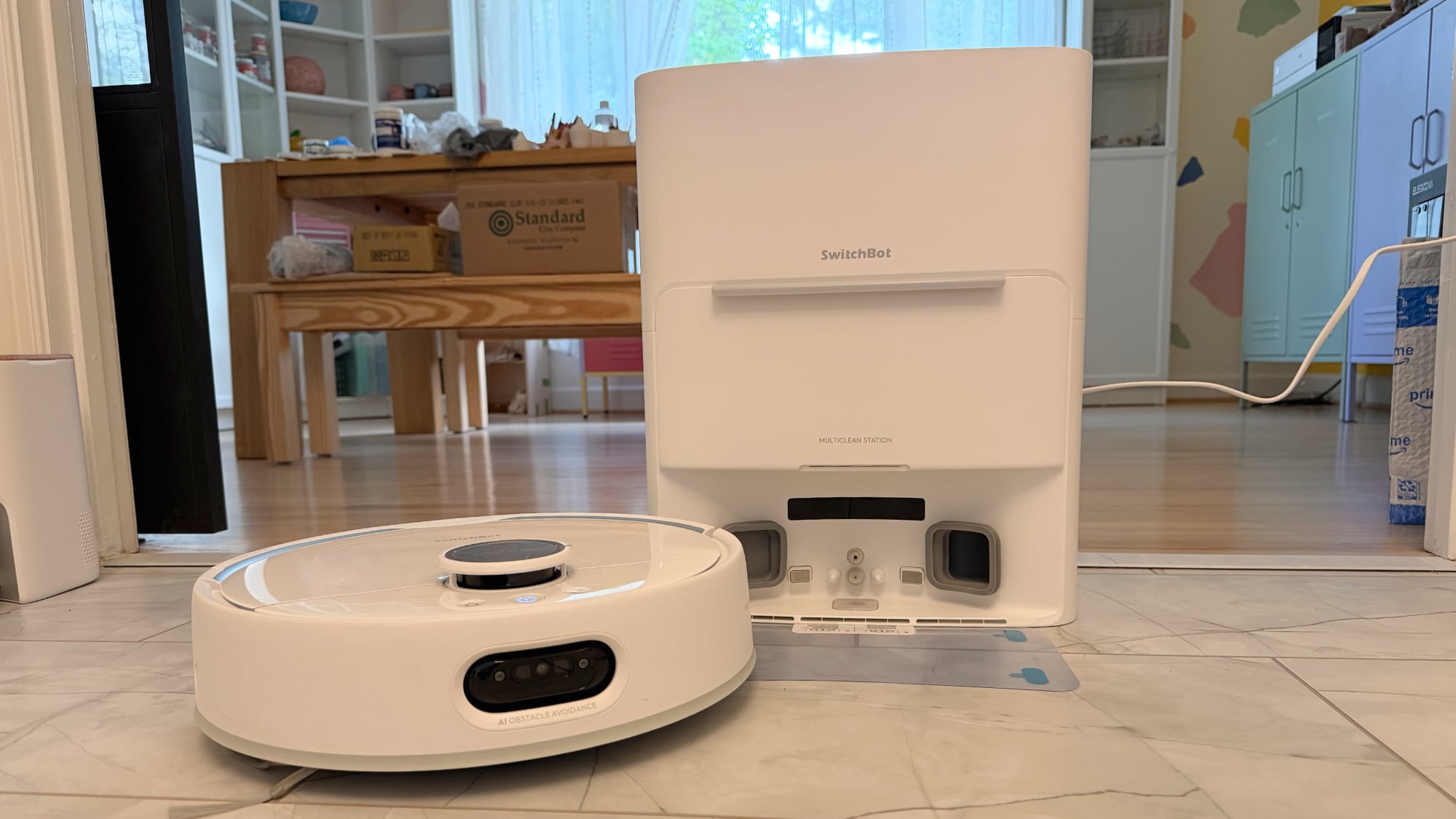
Compared to Ecovacs and Roborock vacuums I’ve tested, the S20 is loud. I would not be able to sleep or work through its vacuuming noise, though it does have a mode to reduce suction and make it quieter. It’s still not quiet enough. It sounds like a vacuum when the vacuum is running, but it’s not the worst tradeoff for a lower price.
The S20 has modes for vacuuming, vacuuming and then mopping, or vacuuming and mopping at the same time, but if you just want it to mop, SwitchBot doesn’t have an option for that.
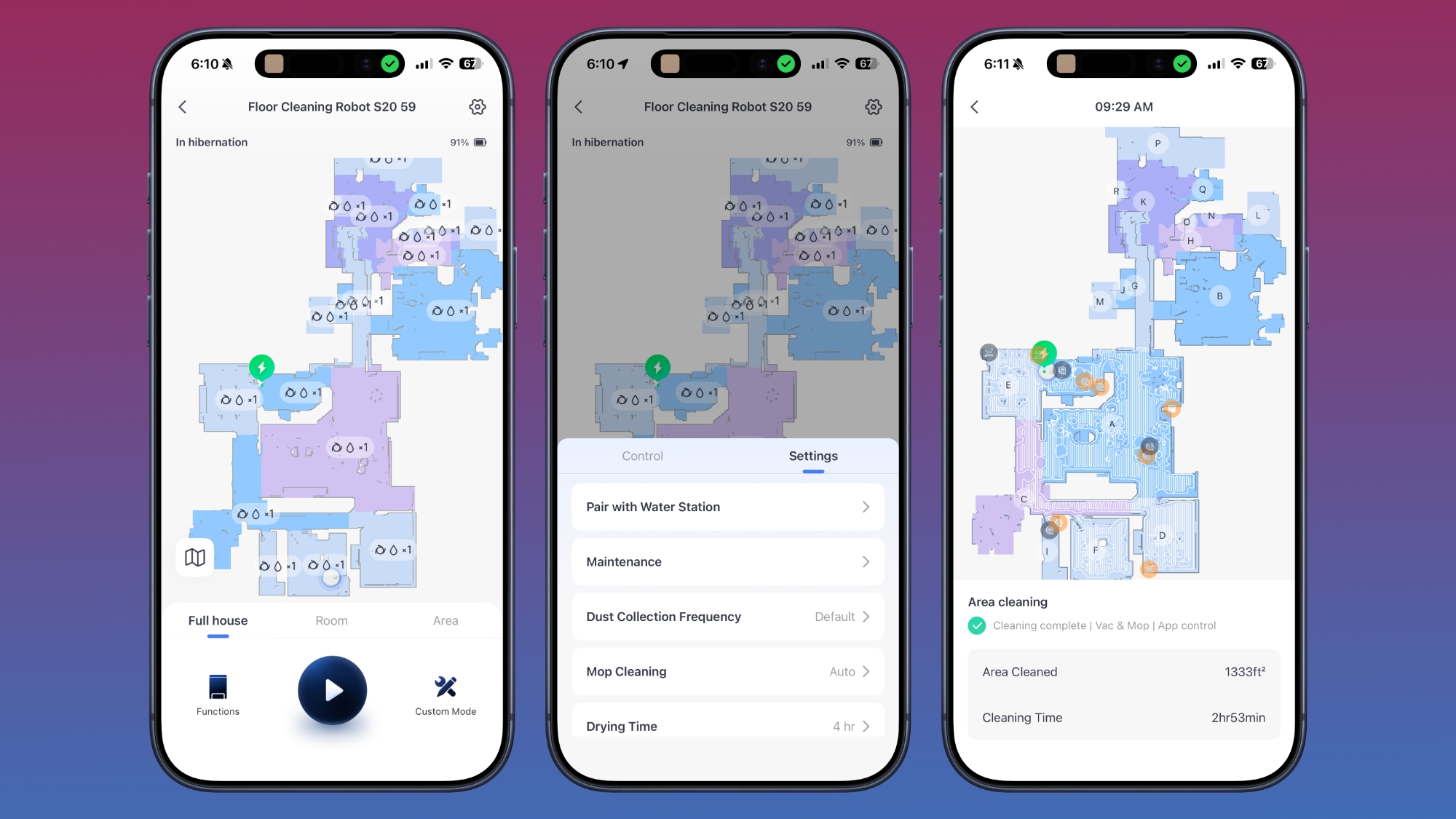
As far as the AI goes, it’s not as good as some of the other vacuums I’ve used, and in some ways that’s a good thing. It doesn’t get stuck on my kitchen rugs because it just flat out ignores them. If one is stuck on the wheel, it drags the rug along until it gets unstuck. I don’t necessarily mind, because I don’t have to get up and save it. It’s able to operate independently for the most part, and I don’t have to intervene often.
It is able to avoid cords almost entirely, and I haven’t had it suck up anything that it shouldn’t except for a cat toy and a sock. The Ecovacs robot I tested would sometimes err too far on the side of caution, misidentifying objects and staying away from them for a less thorough clean. The S20 cares less, and that could be an issue if you have a lot of items on the floor.
The AI mapping isn’t as capable as some more expensive robots, but the S20 was able to identify every room in my house and it navigates them well for the most part. It is not great at thresholds, especially taller thresholds. It gets stuck in my bathroom, and instead of realizing it’s stuck and alerting me, it will keep trying to get out until its battery is exhausted.
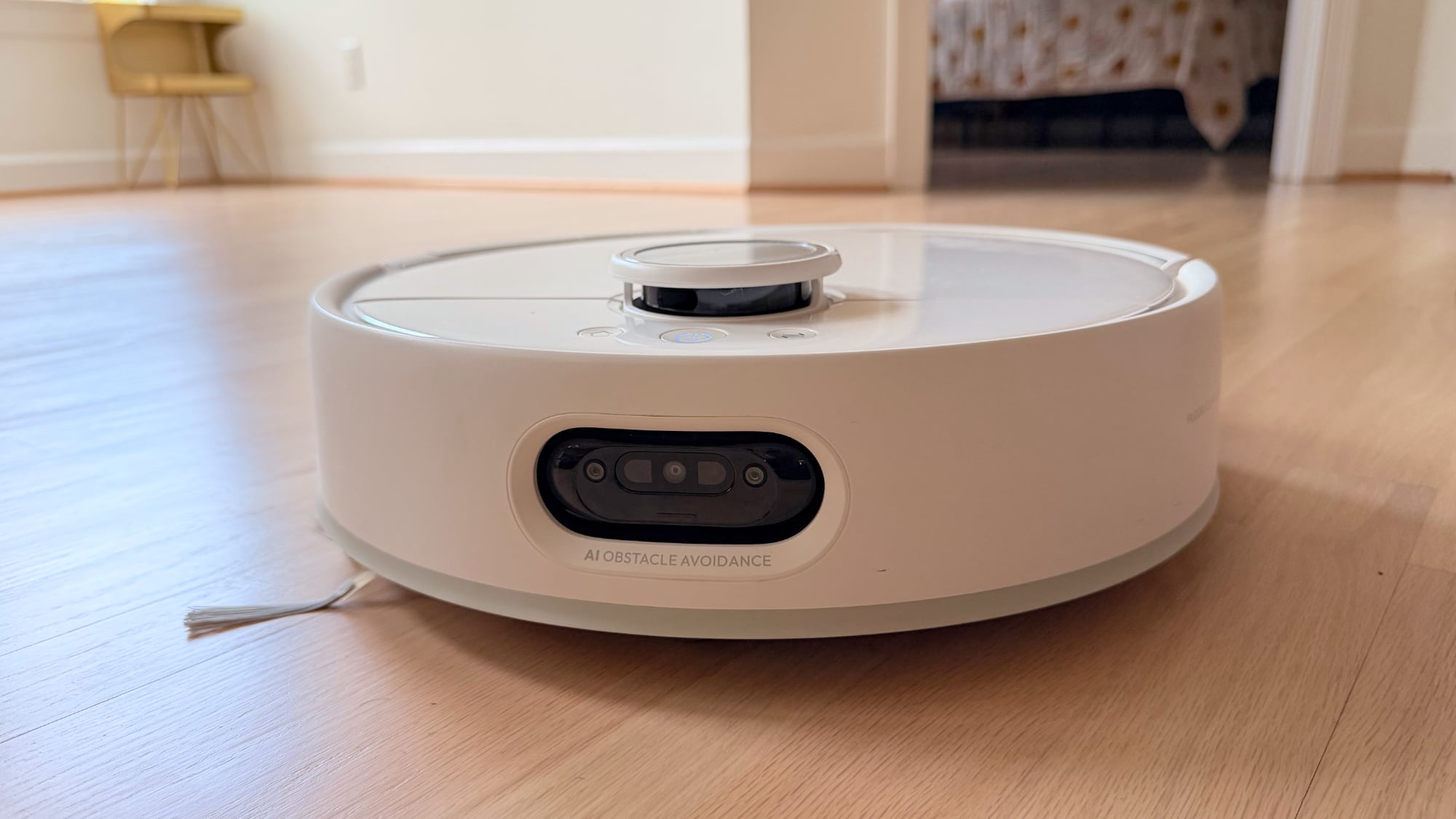
I can edit maps to create no-go areas, label rooms and objects, and make other edits to make sure that it’s only cleaning where I want it to clean, and the edits are a must with the SwitchBot vacuums.
The S20 can go for around 100 minutes before it needs to charge (in vacuum and mopping mode), and can clean approximately 1,000 square feet in my house before that point. It isn’t able to do my entire house on a single charge, but in-app scheduling lets me have it clean a room or an area a day on a cycle. The battery lasts closer to three hours in vacuum-only mode.
SwitchBot K11+
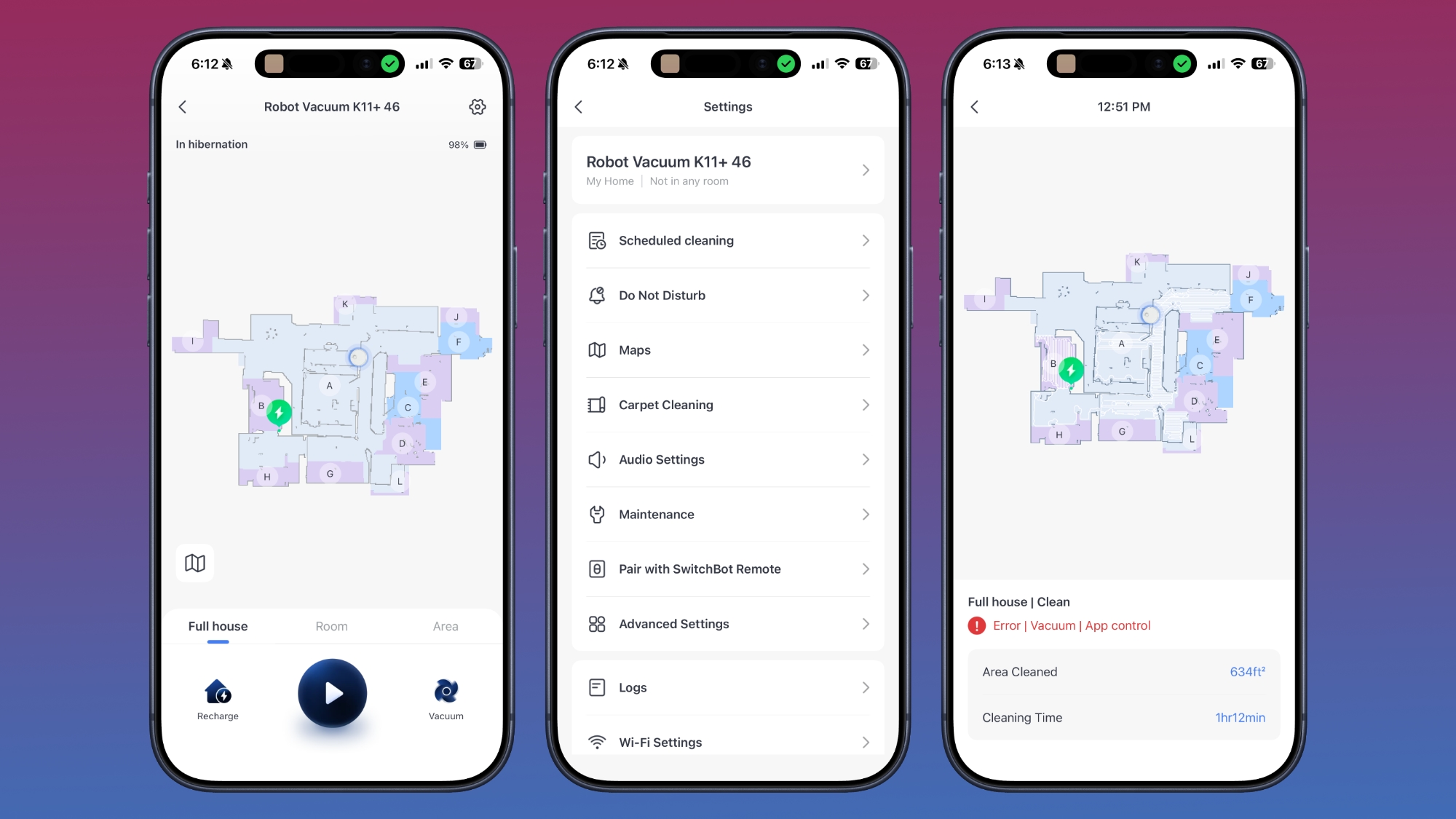
The SwitchBot K11+ is a much smaller, vacuum-only robot. It’s best for small spaces and it’s a robot I’d consider in an apartment. With three attempts, I wasn’t able to get it to accurately map my entire house, and the AI seems to be limited.
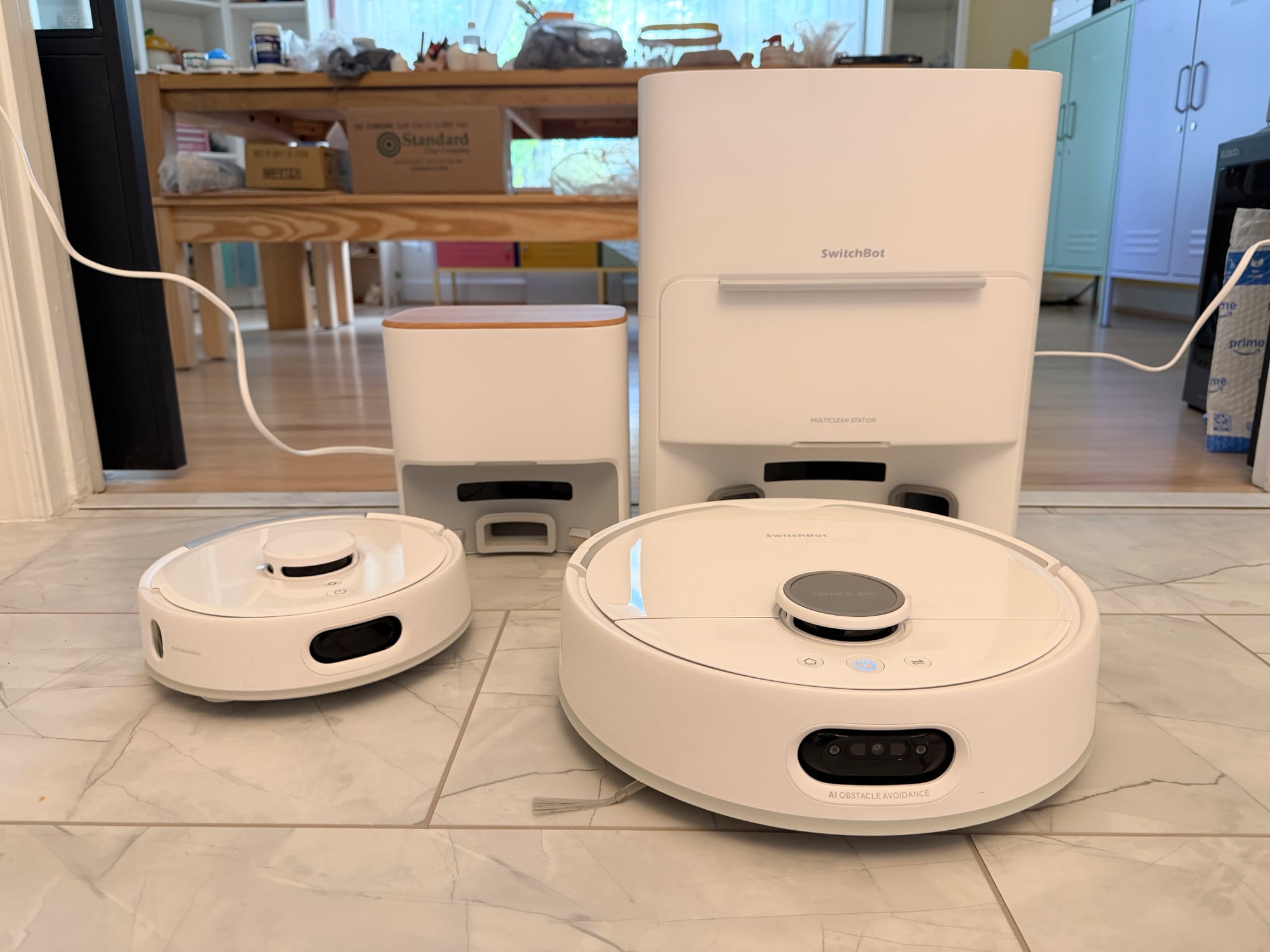
I can isolate it in a room and get an accurate map, so it’s okay in a smaller area, but it’s still not particularly intelligent. Like the S20, if it can’t get to an area, it doesn’t give up and move on. It continues to try to get there until it dies and I have to go hunt it down, and that’s inconvenient when I’m not home.
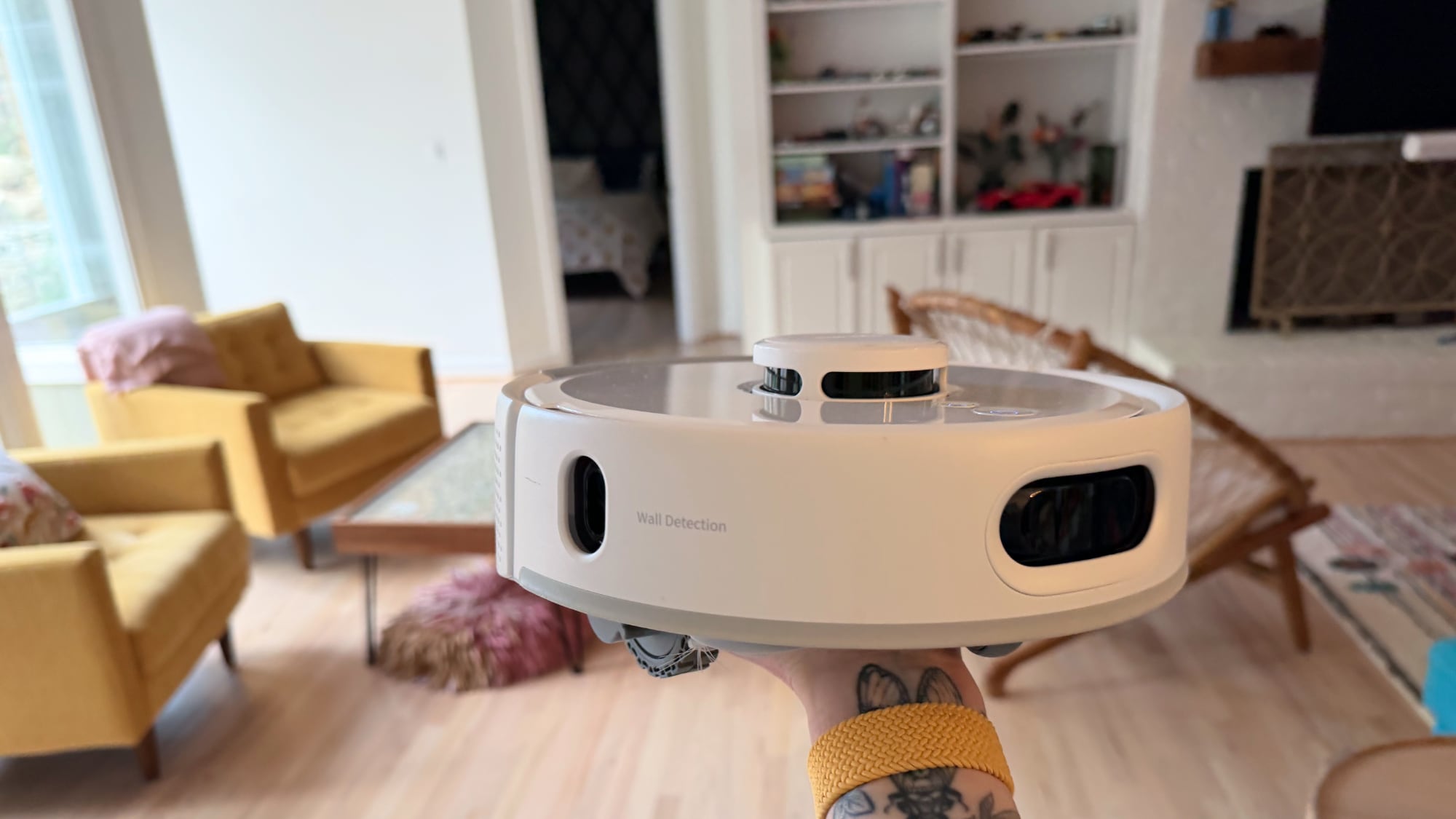
The suction is decent at 6,000Pa per SwitchBot, but it doesn’t pick up as much as quickly as the S20. What I like best about the K11+ is the small size. It’s able to get in smaller nooks and crannies than bigger robot vacuums, which makes it ideal for small spaces.
There is technically a feature where you can attach a Swiffer-style mop to the K11+ for a mopping feature, but that just seems like much more of a hassle than quickly mopping the floor myself.
Matter Integration
With an Apple Matter hub (Apple TV or HomePod), SwitchBot vacuums connect to the Home app. Basic functions can be controlled through the Home app or through Siri, and I’ve come around to Siri integration as a useful feature.
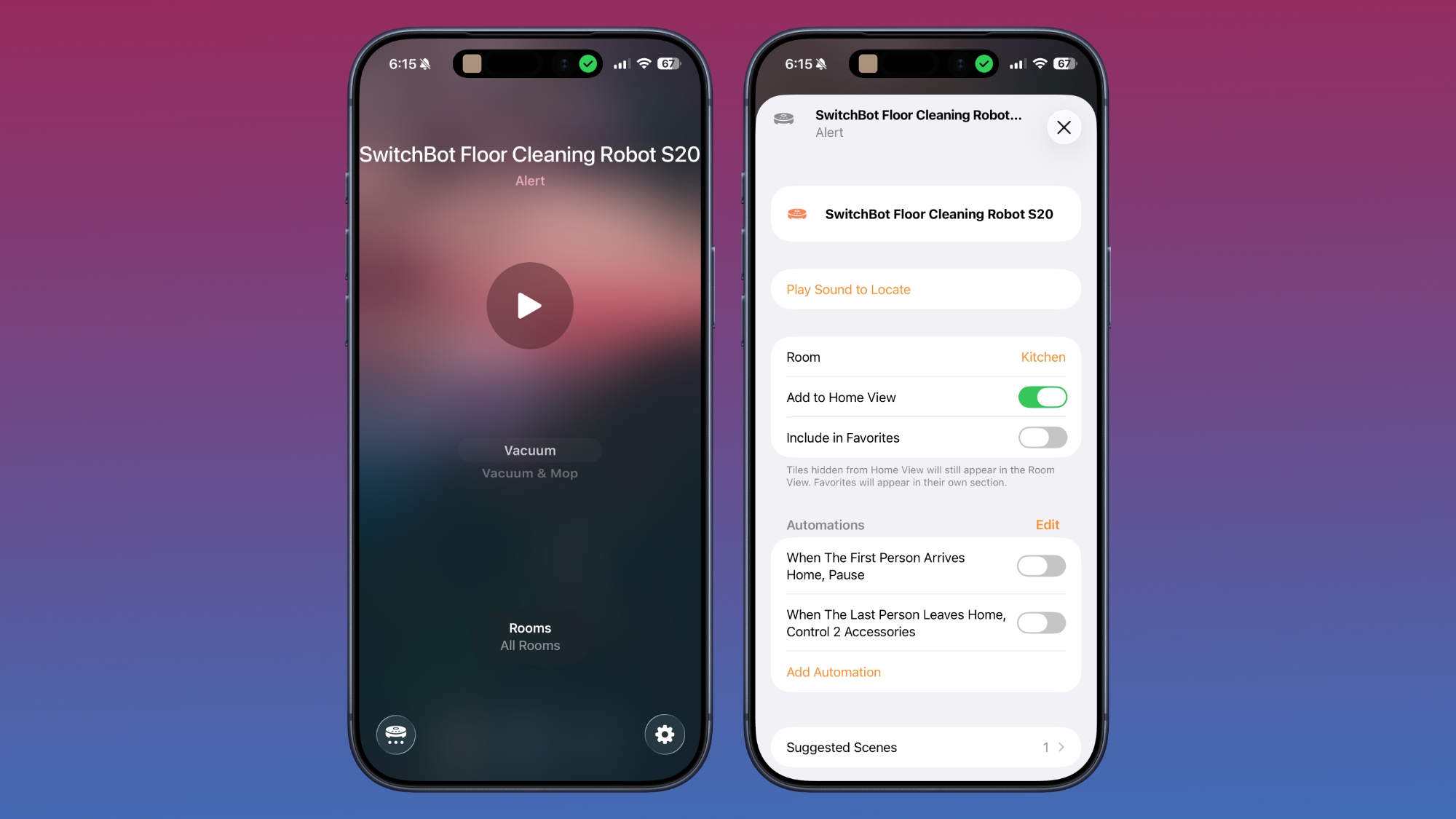
I wasn’t impressed with the limited robot vacuum controls in the Home app to begin with, but I can say things like “Siri, vacuum the kitchen” or “Siri, mop the dining room” to get a targeted clean when needed, and that’s come in handy.
That’s primarily what I use Matter for, but the Home app also supports automations and integration with other Apple products. You can have a setup where the robot vacuums when you leave home, so you never have to deal with the sound.
There is no situation where Siri or the Home app can be used to control a robot vacuum entirely without the need to access the dedicated SwitchBot app. Features like editing a map, updating firmware, viewing cleaning progress, troubleshooting, or checking estimates for replacement parts require the SwitchBot app, and that’s true of any robot vacuum.
HomeKit integration is nice to have, but it is limited, and it’s not a feature that I would choose one robot vacuum over another for.
Bottom Line
If you’re looking for a robot vacuum and mop that does a good job cleaning and mopping and you don’t want to spend a ton, the SwitchBot S20 is worth checking out. You’ll need to deal with some frustrations, like loud noise, map editing, and rescuing it from being stuck, but it cleans well.
I would not recommend the smaller K11+ unless you have a small space. It’s not meant for larger homes, but it is a good apartment vacuum if you won’t miss mopping functionality.
How to Buy
The SwitchBot S20 is available from the SwitchBot website for $520 after a 35 percent discount (I’ve seen the price lower, so it’s worth waiting for a bigger sale), while the SwitchBot K11+ is available for $220 after a 45 percent discount.
Note: SwitchBot provided MacRumors with an S20 and a K11+ for the purpose of this review. No other compensation was received.
This article, “SwitchBot S20 Review: A Budget-Friendly Robot Vacuum and Mop With Matter Support” first appeared on MacRumors.com
Discuss this article in our forums