
TV App
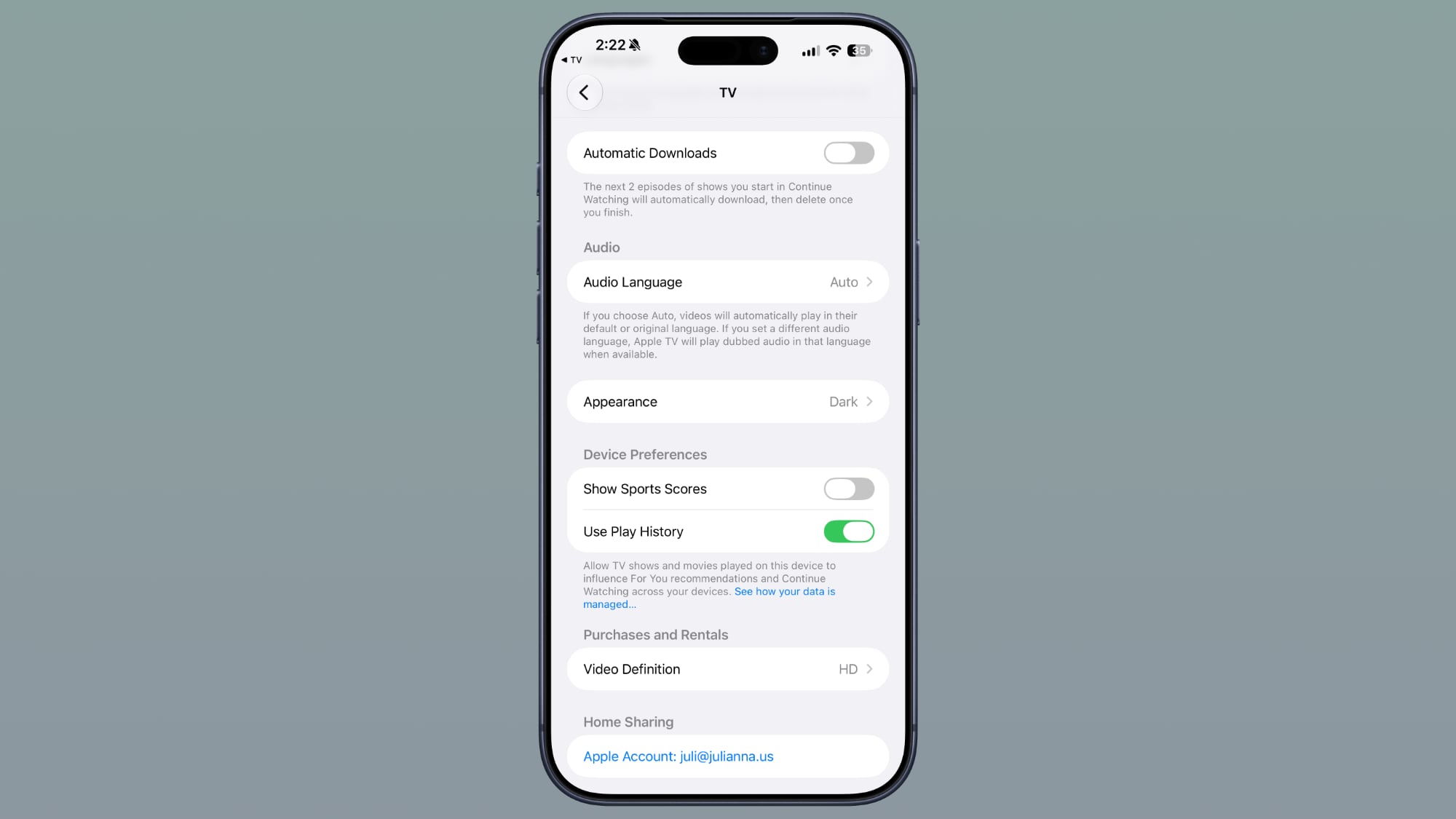
In the Settings section of the Apple TV app, there’s a new Automatic Downloads toggle. Turning it on will automatically download the next two episodes of shows you start in Continue Watching. They’ll be deleted when you finish the episodes.
Photos
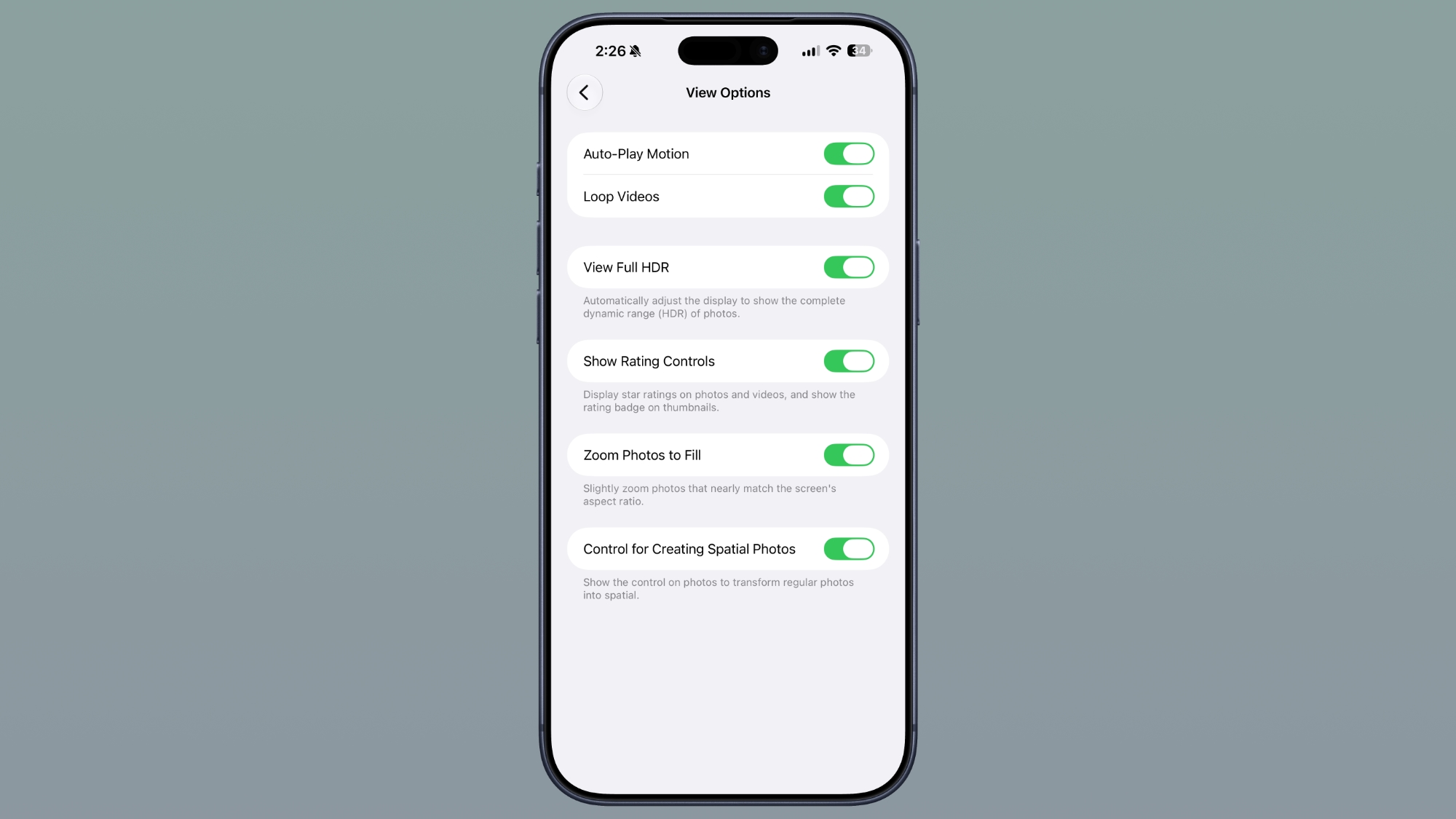
There is a “Zoom Photos to Fill” toggle in the Photos section of the Settings app. It slightly zooms photos that nearly match the screen’s aspect ratio, and it is turned on by default.
Wallpaper
Apple has removed the wallpaper feature that it added in the Notification Center in beta 3. When swiping, you would see a cutout of the subject of your wallpaper on the Home Screen, but that’s no longer available.
iOS 27 beta 3 adds a new wallpaper animation which is so smooth pic.twitter.com/8LzBOx3HMD
— Aaron (@aaronp613) July 6, 2026
Siri Voices
The Siri Voice selection interface has changed. On devices without the option to set a customizable voice, it has the custom voice look with voices and accents to select. On devices with custom Siri selections, there are more voices options, which Apple says are coming soon.
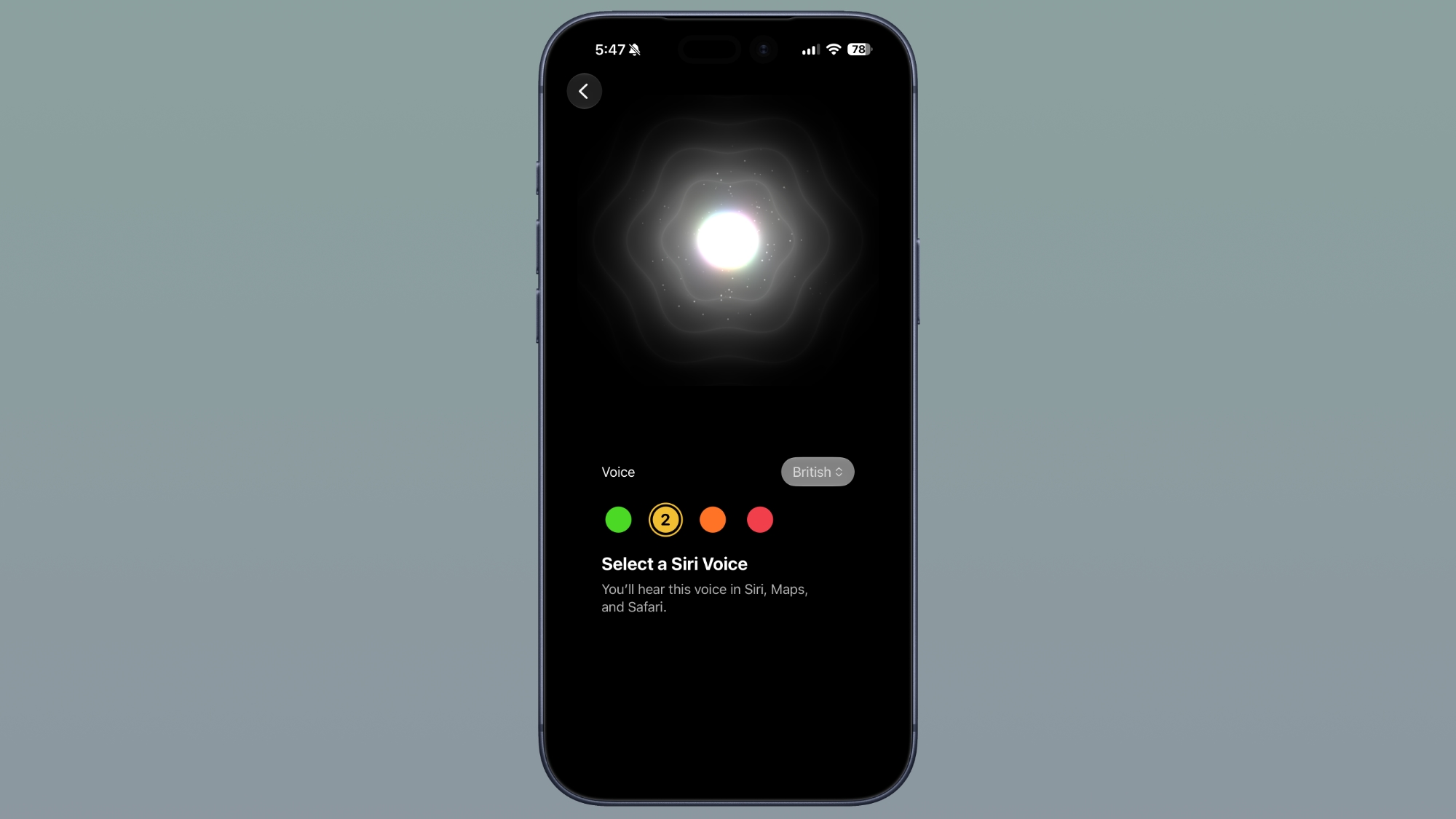
The customizable voice for Siri is limited to the iPhone 17 Pro, iPhone 17 Pro Max, and iPhone Air right now.
Siri Settings
In the Siri section of the Settings app, there’s a new option to adjust the length of previews in the Siri app. You can choose up to five lines, or none.
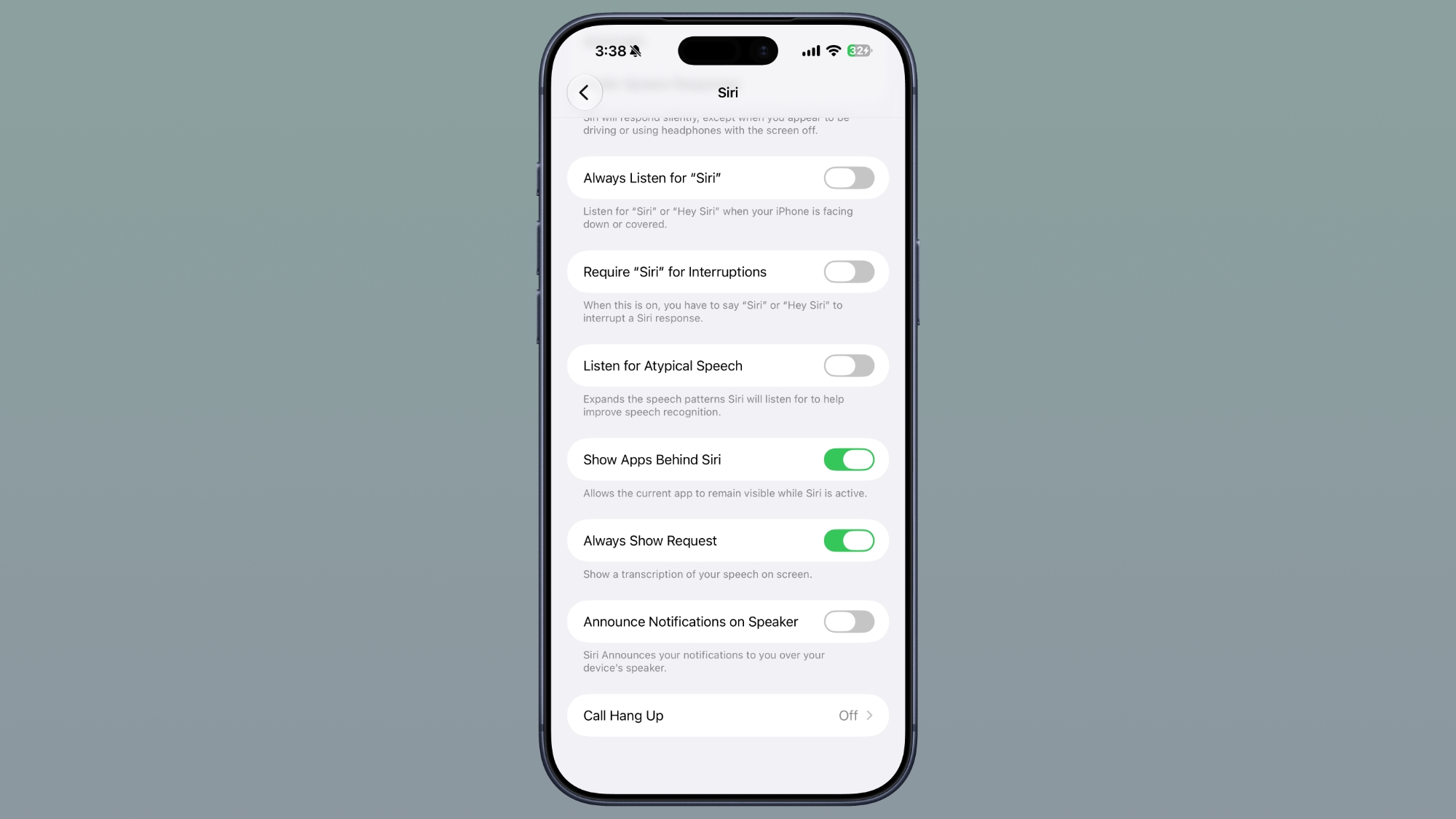
In Accessibility, there’s a new “Always Show Request” toggle that shows a transcription of what you say to Siri on the screen.
Siri Search or Ask
When you swipe down to get to the Siri Search or Ask interface, there’s now a splash screen that explains it.
ProRes Log Format
In the Camera section of the Settings app, there’s an option to choose a ProRes log format if you toggle Apple ProRes on. You can tap on ProRes Log Video Encoding and select Log or Log 2.
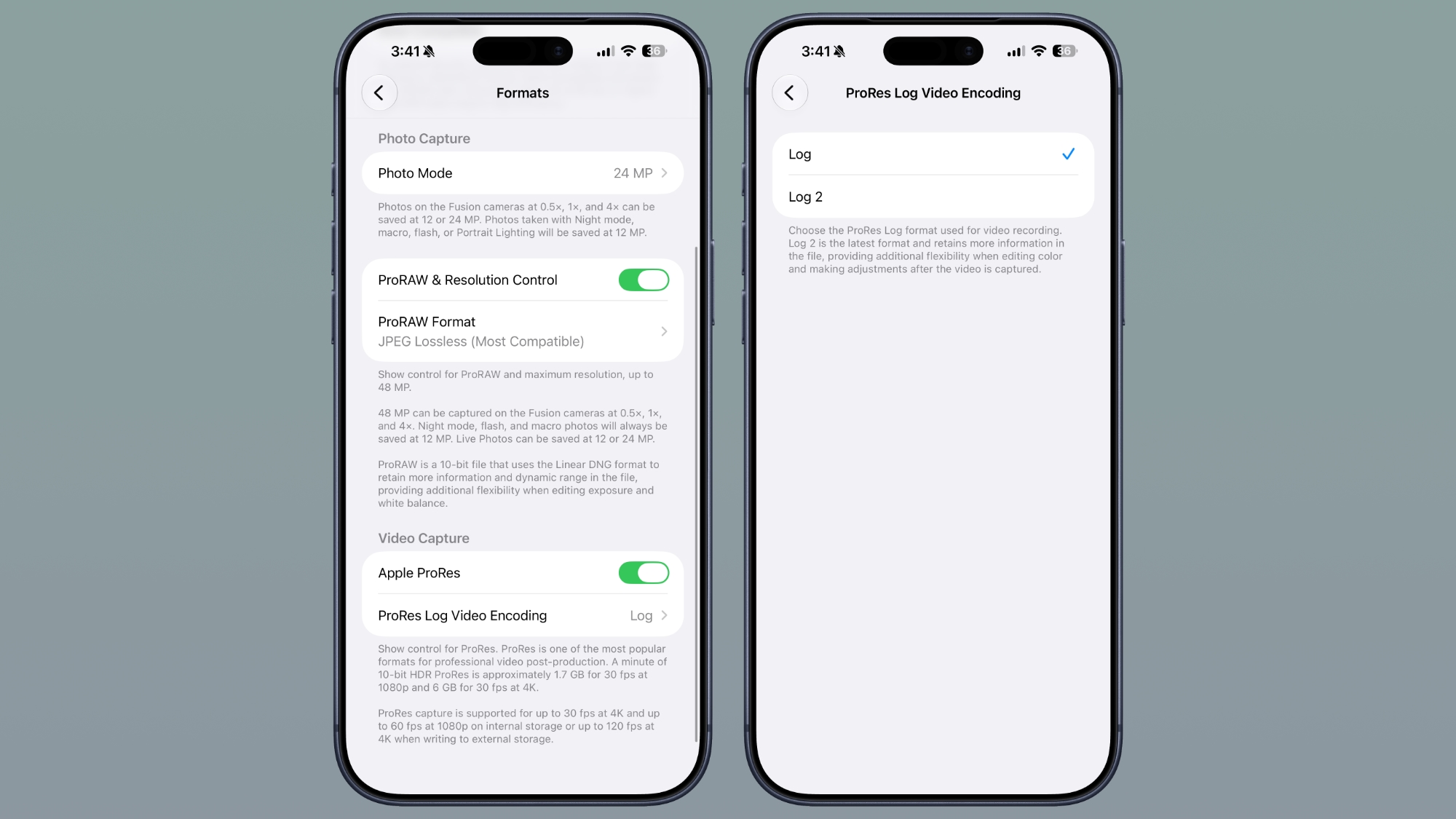
Log 2 is the latest format and retains more information in the file for additional flexibility when editing color and making adjustments after the video is captured.
Wi-Fi Assist
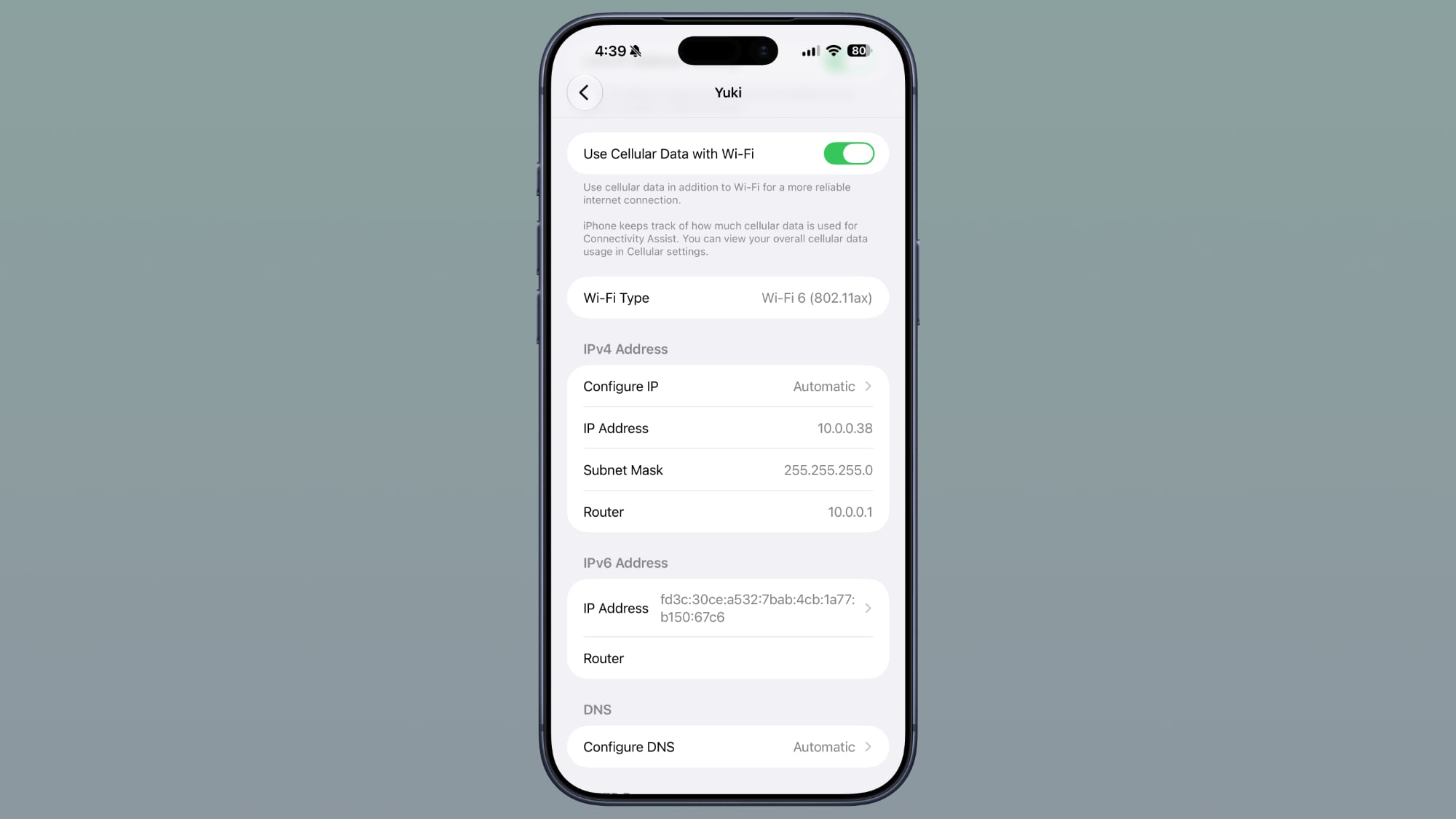
There’s an option to enable or disable Connectivity Assist for each Wi-Fi network, regardless of whether the Connectivity Assist master toggle is on.
AirPods
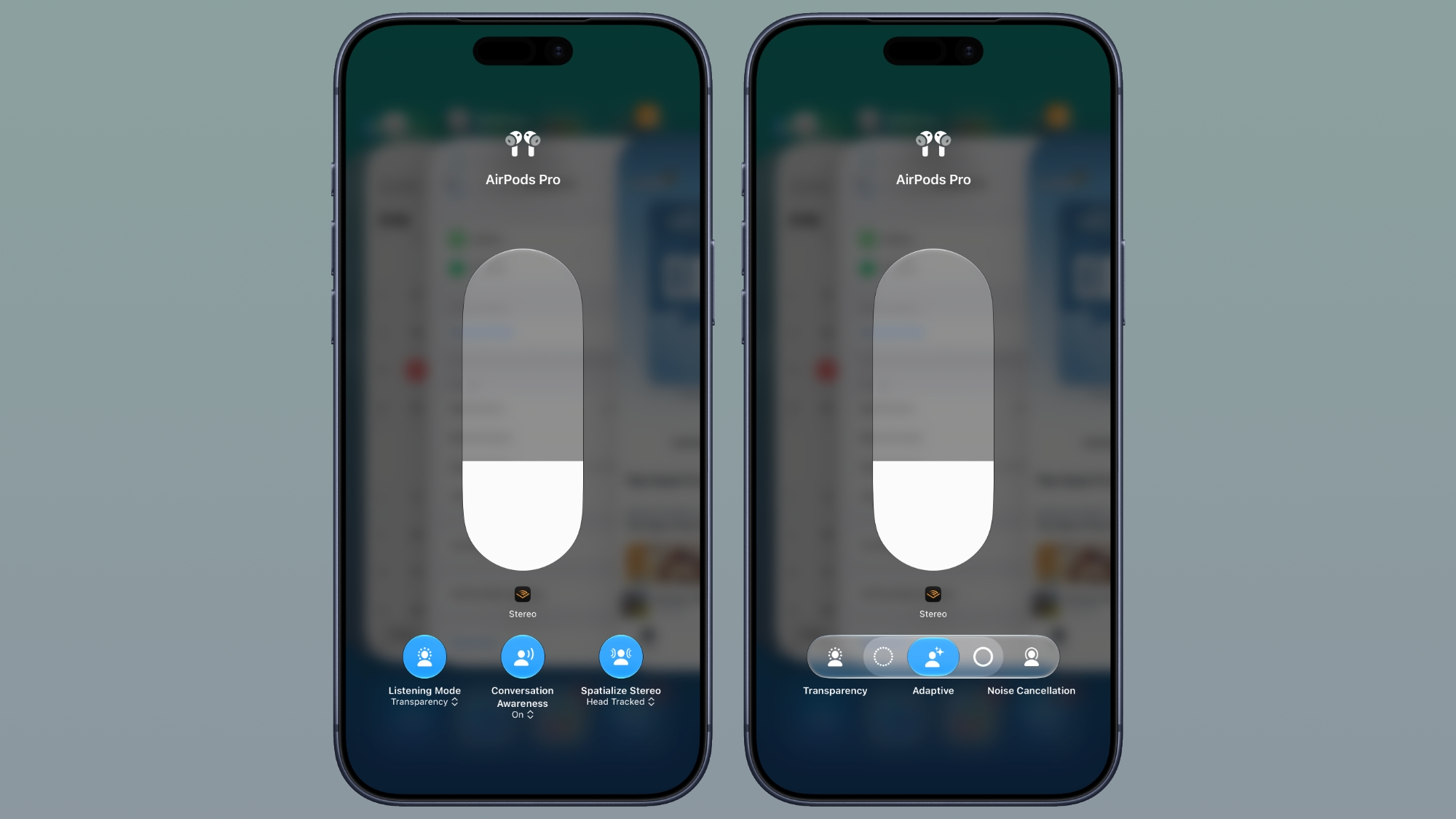
Apple changed the look of AirPods options in Control Center, including adding more options for Adaptive mode.
Dual Battery iPhone References
Code in the fourth beta of iOS 27 references an iPhone with two batteries, with strings like “The batteries in this iPhone are performing as expected.”

It may hint at the foldable iPhone Ultra, which is expected to have a dual-battery design.
This article, “Everything New in iOS 27 Beta 4” first appeared on MacRumors.com
Discuss this article in our forums