
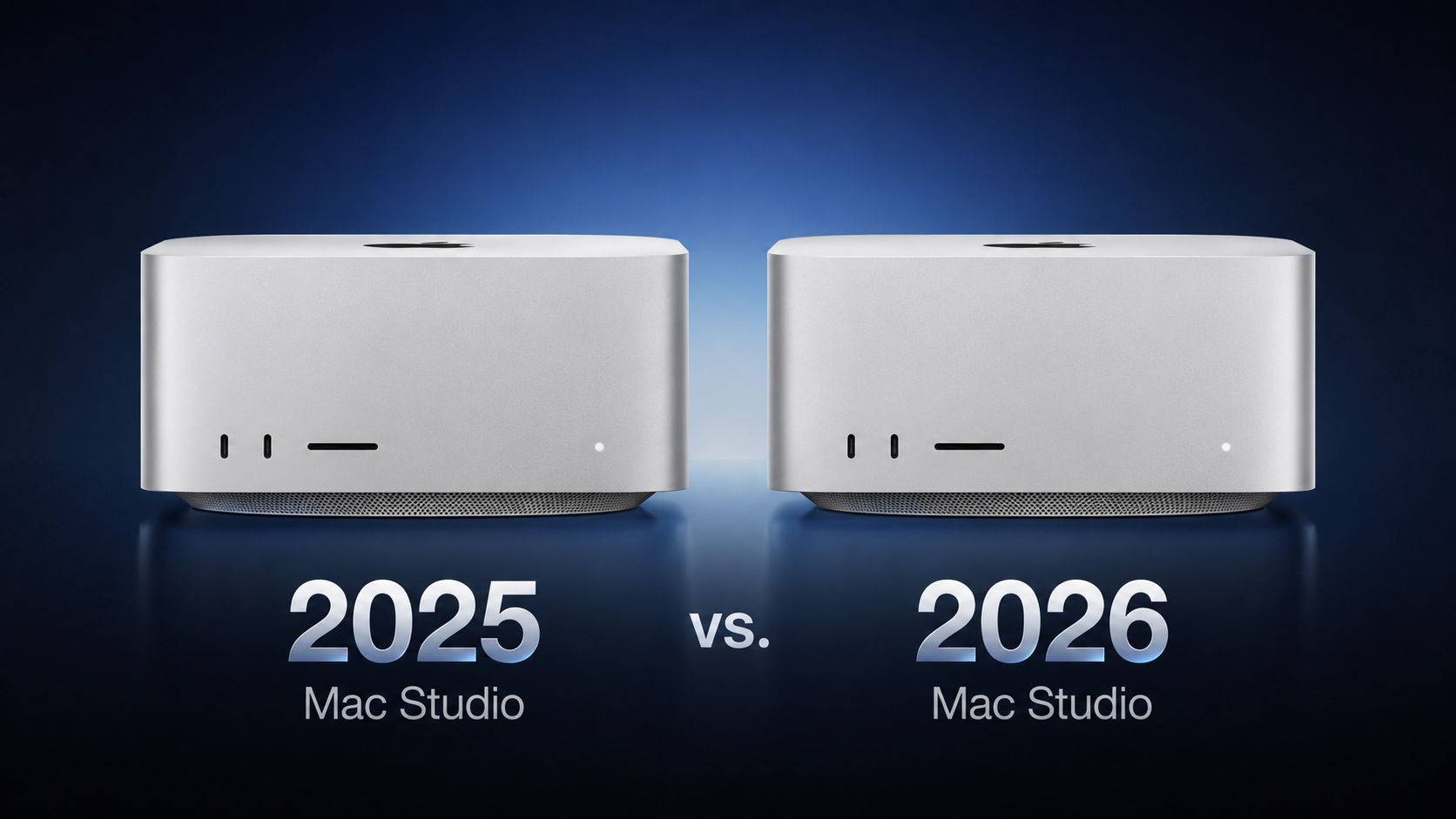
The machine’s design is unchanged for a fifth consecutive year, with all of the upgrades being internal. The table below details everything that changed regardless of whether you choose a Max or an Ultra chip. The two tables that follow break down the differences within each tier.
What Changed Across Both Models
Here’s everything that differs between the 2025 and 2026 Mac Studio irrespective of configuration:
| Mac Studio (2025) | Mac Studio (2026) |
|---|---|
| Baseline SSD read and write speeds | Next-generation SSD architecture built on PCIe Gen 6, with up to twice the read and write speeds |
| Wi-Fi 6E (802.11ax) | Wi-Fi 7 (802.11be) via the Apple-designed N1 chip |
| Bluetooth 5.3 | Bluetooth 6 |
| Genlock over USB-C |
With the latest model, Wi-Fi 7 and Bluetooth 6 arrive on the Mac Studio for the first time, facilitated by the same N1 chip Apple introduced in the iPhone 17 lineup. Apple also says the new machine is made with 35% recycled content overall, including 100% recycled aluminum in the enclosure and 100% recycled rare earth elements in all magnets.
Mac Studio M4 Max vs. M5 Max
Here’s everything that differs between the M4 Max and M5 Max configurations:
| Mac Studio (M4 Max, 2025) | Mac Studio (M5 Max, 2026) |
|---|---|
| M4 Max chip | M5 Max chip |
| 14-core CPU, configurable to 16-core, with 12 performance cores and 4 efficiency cores | 18-core CPU with 6 super cores and 12 performance cores |
| 32-core GPU, configurable to 40-core | 32-core GPU, configurable to 40-core, with Neural Accelerators built into every core and enhanced shader cores |
| Second-generation hardware-accelerated ray tracing | Third-generation hardware-accelerated ray tracing |
| Up to 546GB/s memory bandwidth | Up to 614GB/s memory bandwidth |
| 36GB unified memory with the 32-core GPU, or 64GB with the 40-core GPU (128GB option withdrawn in May 2026) | 36GB unified memory with the 32-core GPU, or 48GB, 64GB, or 128GB with the 40-core GPU |
| Weighs 6.1 pounds (2.74 kg) | Weighs 6.0 pounds (2.7 kg) |
| Now discontinued | Starts at $2,499 |
The most immediately useful change is at the entry level. The M4 Max started with a 14-core CPU and could be configured up to 16 cores, whereas the M5 Max has an 18-core CPU as standard with no CPU upgrade to buy. Apple has also changed its core architecture, dropping the performance and efficiency split in favor of 6 super cores and 12 performance cores.
Mac Studio M3 Ultra vs. M5 Ultra
The table below outlines every difference between the two Ultra configurations:
| Mac Studio (M3 Ultra, 2025) | Mac Studio (M5 Ultra, 2026) |
|---|---|
| M3 Ultra chip | M5 Ultra chip |
| 28-core CPU, configurable to 32-core, with 24 performance cores and 8 efficiency cores | 30-core CPU, configurable to 36-core, with 12 super cores and 24 performance cores |
| 60-core GPU, configurable to 80-core | 64-core GPU, configurable to 80-core, with Neural Accelerators built into every core and enhanced shader cores |
| First-generation hardware-accelerated ray tracing | Third-generation hardware-accelerated ray tracing |
| Dynamic Caching | Second-generation Dynamic Caching |
| 819GB/s memory bandwidth | 1.2TB/s memory bandwidth |
| 96GB, 256GB, or 512GB unified memory (512GB option withdrawn in March 2026 and the 256GB option withdrawn in May 2026) | 96GB or 256GB unified memory, or 512GB with the 80-core GPU |
| Now discontinued | Starts at $5,499 |
Across both generations, the maximum GPU still contains 80 cores, the Neural Engine still contains 32 cores, display support and media engine is identical, storage still maxes out at 16TB, and maximum unified memory is still 512GB. The 1.2TB/s of bandwidth feeding that memory, which is 50% higher than before, and the Neural Accelerators for each GPU core, are among the key changes.
How Big Are the Upgrades?
Apple’s own comparisons against the outgoing chips are heavily weighted toward AI and graphics. For the M5 Max against the M4 Max, Apple claims:
- Up to 3.9x faster LLM prompt processing in LM Studio
- Up to 3.5x faster text-to-image performance
- Up to 3x faster Magic Mask performance in Blackmagic Design DaVinci Resolve Studio
- Up to 1.9x faster basecalling for DNA sequencing in Oxford Nanopore MinKNOW
- Up to 50% faster graphics performance
For the M5 Ultra against the M3 Ultra, Apple claims:
- Up to 4.3x faster text-to-image performance
- Up to 4x faster LLM prompt processing in LM Studio
- Up to 3.3x faster CopyCat ML training performance in Foundry Nuke
- Up to 1.8x faster graphics performance
- Up to 1.7x faster scene rendering performance in Maxon Redshift
- Up to 1.3x higher multithreaded CPU performance
On either chip, tasks that use matrix multiplication can run three to four times faster thanks to new Neural Accelerators in each GPU core.
Which to Choose?
Apple no longer sells the M4 Max or M3 Ultra models, which became relatively poor value for money by the end of their run. The M4 Max cost $2,499 with a 14-core CPU and up to 64GB of memory. For the same price, the M5 Max has an 18-core CPU, 614GB/s memory bandwidth, up to 128GB of memory, twice-fast storage, and Wi‑Fi 7. The M3 Ultra ended at $5,299 with a 96GB memory limit. For $200 more, the M5 Ultra brings back 256GB and 512GB options and adds 50% more memory bandwidth.
Current M4 Max and M3 Ultra owners generally do not need to upgrade after only 17 months. Launch buyers paid $1,999 or $3,999, so replacing their machine now costs 25–38% more for the same design, ports, Ultra core limits, storage limit, and Media Engine. The main exception is AI-heavy work. Local LLMs, on-device image or video generation, and demanding machine-learning tasks in applications like DaVinci Resolve or Nuke can benefit substantially from the new Neural Accelerators. The M5 Ultra’s 1.2TB/s memory bandwidth can also improve large-model token generation.
The upgrade makes more sense for M1 or M2 Mac Studio owners. Apple says the M5 Max can process prompts up to 10.7× faster than the M1 Max, while the M5 Ultra can train ML models up to 15.4× faster than the M1 Ultra. Older models also lack Thunderbolt 5, AV1 decoding, and the newer Media Engine. If you already skipped the 2025 refresh, this is a more meaningful step forward.
The 2025 models are mainly worth considering used or refurbished at a steep discount. Apple raised prices in June, so lightly discounted older stock is often too close in price to a new model. One notable exception is an M3 Ultra with 256GB or 512GB of memory, since those configurations were unavailable new for much of 2026 and M5 Ultra equivalents will not ship until later this year.
When configuring, buyers should remember that memory and graphics are linked. The M5 Max always has an 18-core CPU, so the key choices are GPU and memory. More than 36GB of memory requires the 40-core GPU. With the M5 Ultra, 512GB of memory requires the 80-core GPU. If memory is your limit, as it often is for local AI tasks, you may need to pay for more GPU cores too. Apple says the 512GB M5 Ultra arrives in late October, with pricing expected to start above $10,000.
The M5 Ultra is now Apple’s highest-end Mac. Apple discontinued the Mac Pro in March, seemingly with no plans for a replacement. There is no higher end Mac to wait for and no internal expansion path beyond adding a second machine.
Pre-orders are now open, with all but the 512GB model arriving on September 22. All M5 Ultra configurations now show a shipping time of 10–12 weeks in the United States.
This article, “2025 vs. 2026 Mac Studio Buyer’s Guide: All Upgrades Compared” first appeared on MacRumors.com
Discuss this article in our forums