
Some owners of the HomePod and HomePod mini have been startled awake by music playing from their devices in the middle of the night. There are some things you can do to stop ghost or phantom touches firing up audio at random.
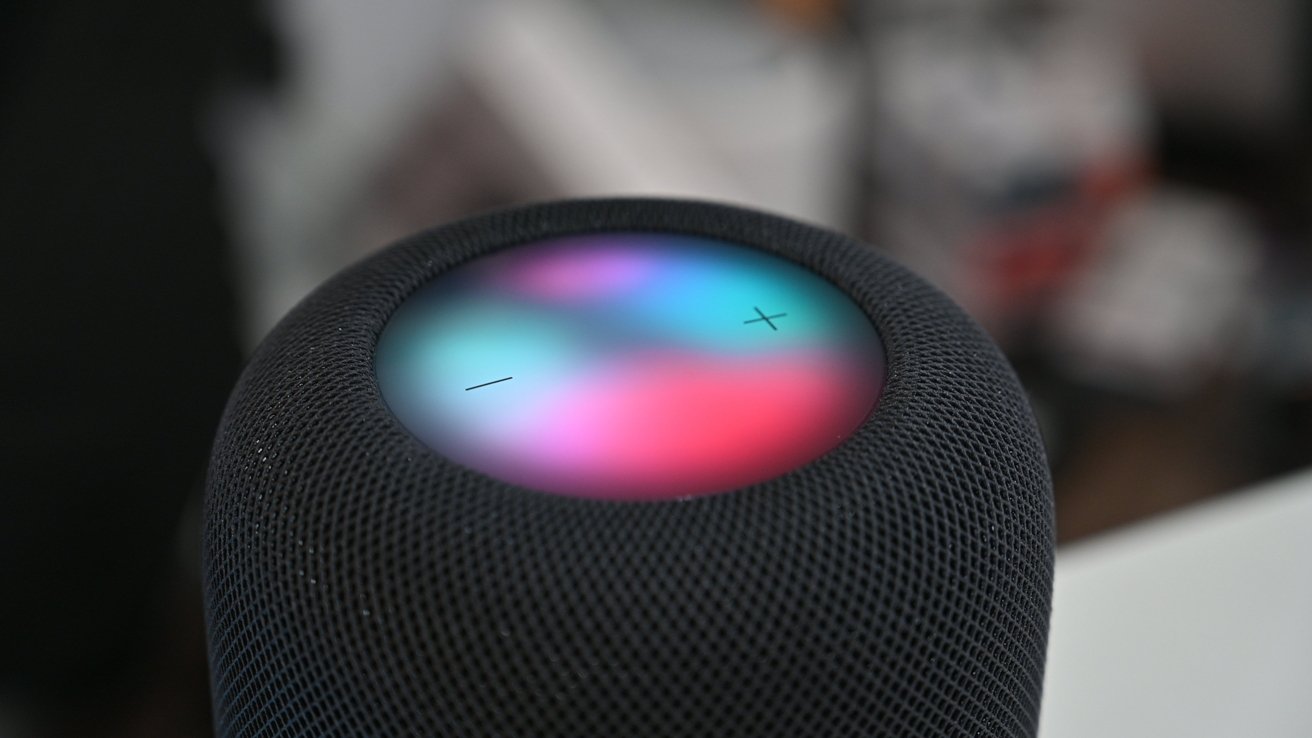
The HomePod display
The HomePod display
The HomePod and HomePod mini are largely hands-free devices. Most of the time, you’re directly interacting with them by voice, or through HomeKit, or using AirPlay.
All models also include a touch-sensitive display in the top. While you could keep yelling at HomePod Siri to change volumes, you can also tap the display to do the same thing, or to trigger Siri manually.