If your Mac’s alerts are becoming a distraction, macOS Tahoe 26 includes simple settings that let you fine-tune how and when notifications appear.
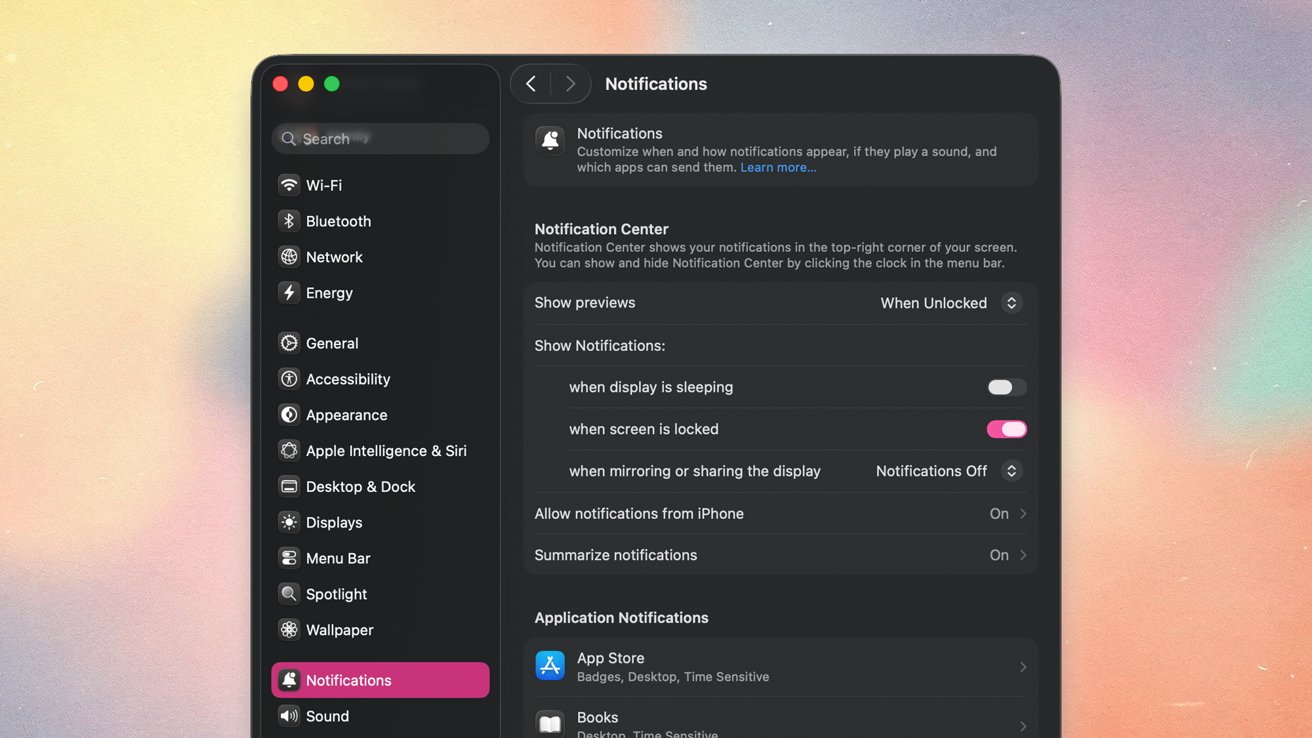
How to manage notifications on macOS Tahoe
How to manage notifications on macOS Tahoe
If you’re like the rest of us, chances are you’re getting a little tired of constant notifications from your devices. While this mostly happens on iPhone, you still can get quite a few notifications on Mac.
There aren’t too many settings to change on Mac, but there are a few you should be aware of. Here’s how you can customize your notification preferences.