After an incredibly rough start, Apple Maps is one of the most frequently used apps on the iPhone. Here’s all you need to know about using it in iOS 26, and how it all got started.
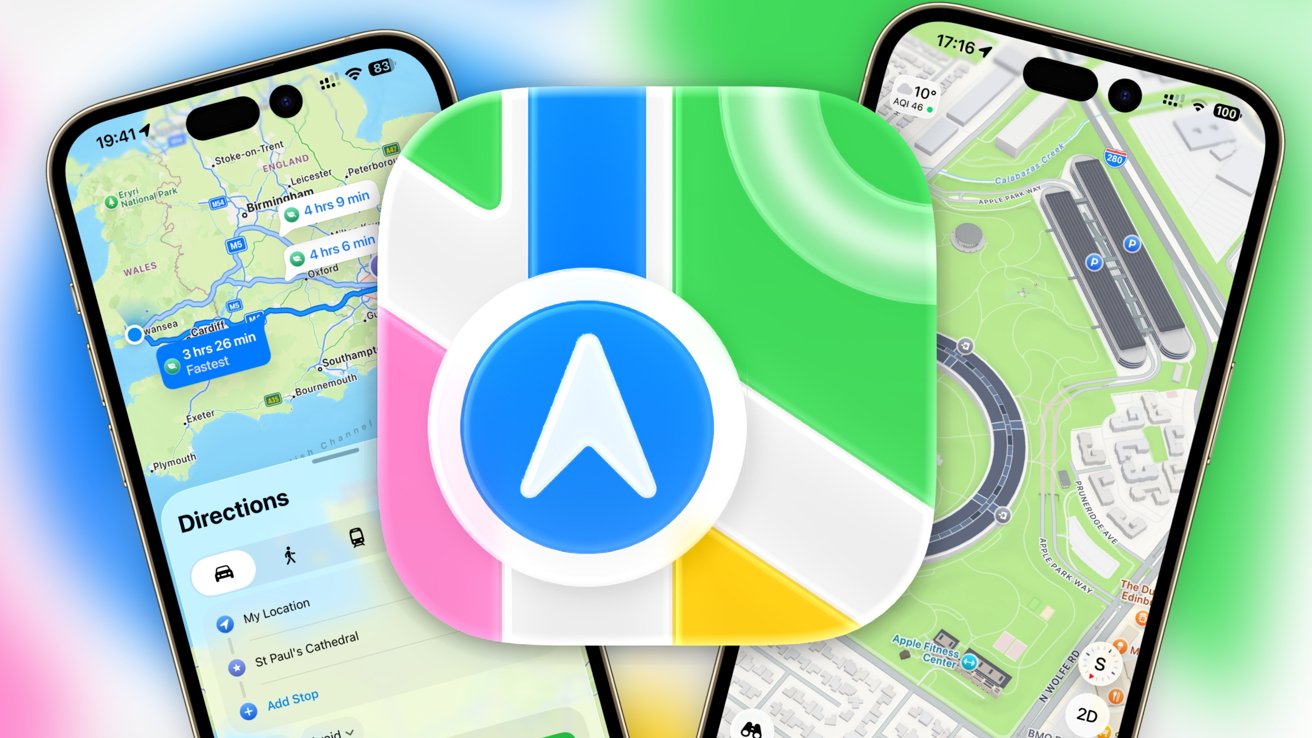
Apple Maps
Apple Maps
Navigation apps are a common feature of modern operating systems and the mobile device experience. Getting users from A to B is an important task, and one that has been perfected by a few navigation apps, such as Apple Maps and Google Maps.
Apple Maps is built into iOS and does what you would expect from an app of its type. Opening it up presents a view of your immediate local area, and you can quickly look up things to travel to, and then be guided to them.