Apps you don’t want can clog up your Mac menubar, while ones you do can’t be added. Here’s how and why to use Control Center to make that menubar work for you, the way you want.
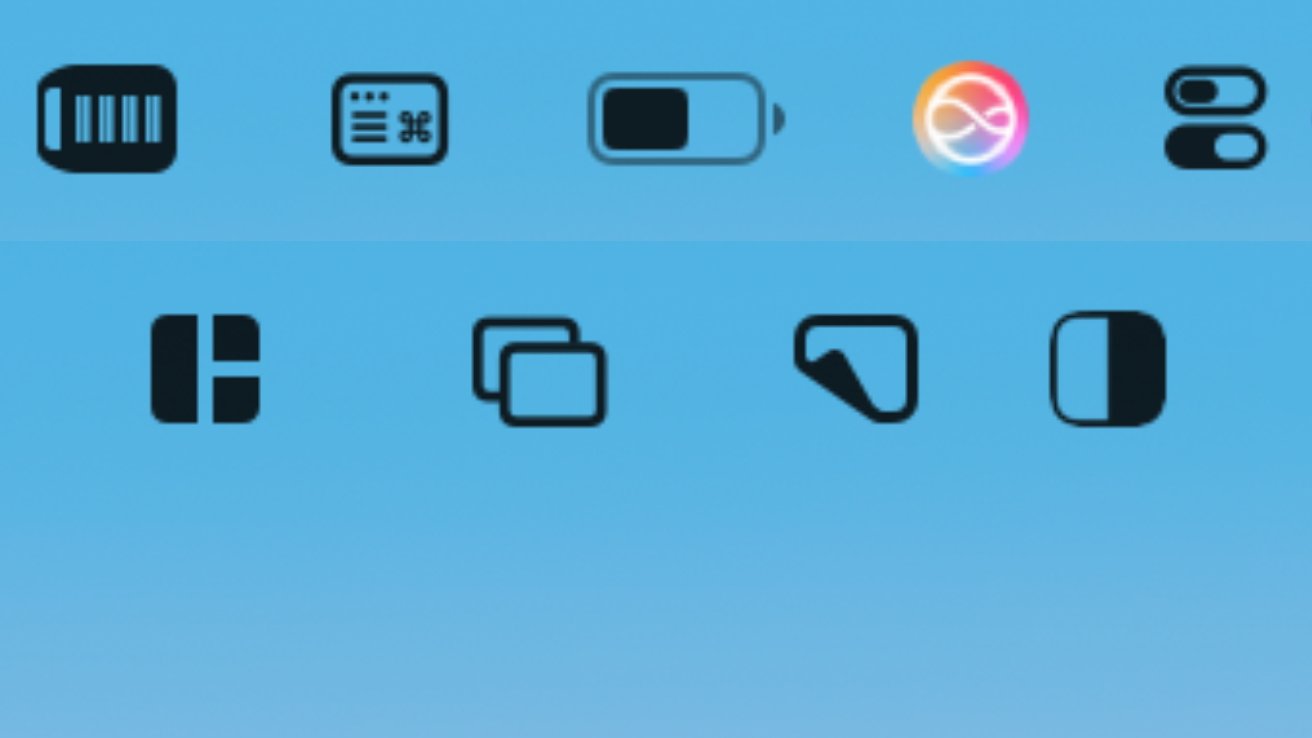
If only Apple would let you have two rows of menubar app icons you don’t recognze
If only Apple would let you have two rows of menubar app icons you don’t recognze
Especially if you have a MacBook Pro or MacBook Air with a small display — and a notch — you will have hit problems with menubar apps and controls. Quite apart from some apparently hiding behind that notch, there are others you want but there isn’t enough room for them.
Or even on a large display, you might shrug and let any app go in the menubar if it likes. But the result there is a huge number of apps, making it hard to find the one you actually need — especially since macOS will keep moving them around.